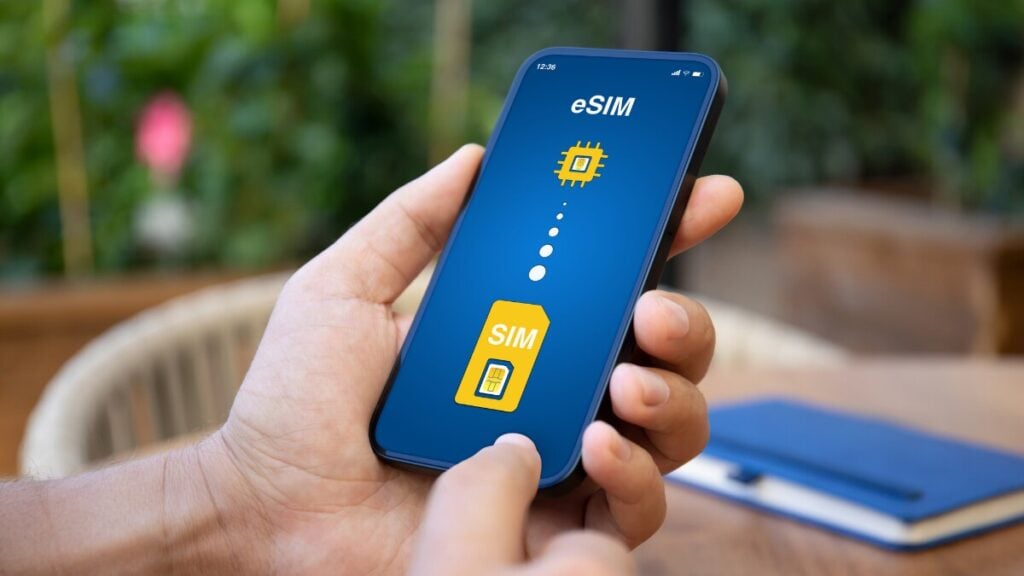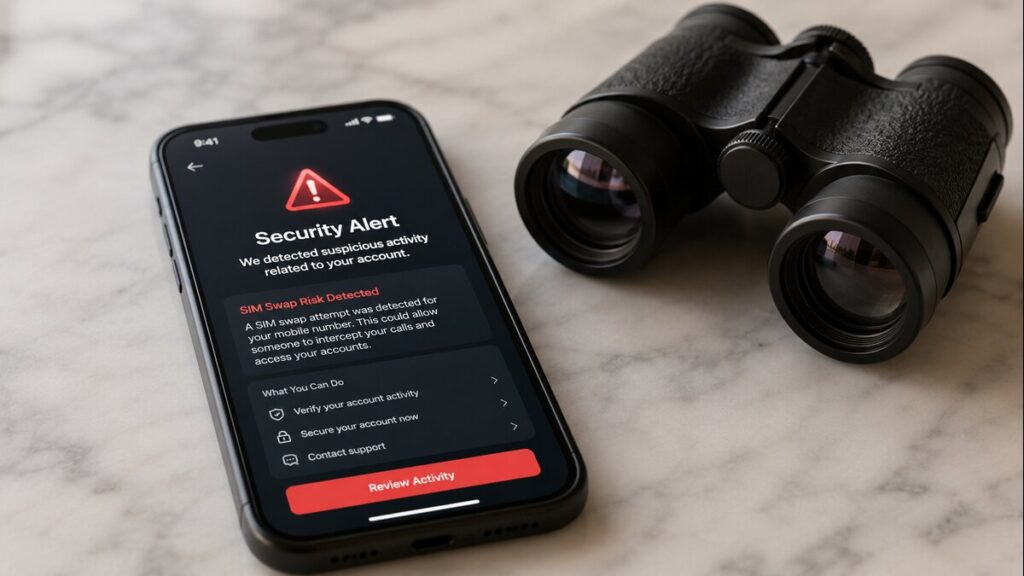
Losing access to a mobile number while overseas can turn a normal travel problem into a very stressful one. For anyone using travel eSIMs, it helps to know what SIM swap fraud is, what it is not, and how it differs from a standard eSIM setup issue.
Fortunately, most activation errors you encounter on the road are simply due to misconfigured settings or poor local network coverage. True SIM swapping requires malicious intent and identity theft, making it a completely different beast than a stubborn data plan.
Quick Answer
A data-only eSIM for travel does not usually transfer your regular mobile number or replace your home SIM.
SIM swap fraud travel concerns are mainly about protecting your normal mobile number while you are away. If your Australian number suddenly loses service, stops receiving SMS codes, or your carrier alerts you to a SIM change you did not request, contact your home mobile provider immediately. With the Australian Communications and Media Authority (ACMA) estimating that victims of mobile fraud and SIM swap scams lose an average of $28,000, acting fast is critical.
But if your travel eSIM is not connecting, start with eSIM troubleshooting: mobile data settings, roaming settings, device compatibility, and the product instructions.
What This Means for Overseas Travellers
For most travellers, the practical risk is confusion. You may land overseas, turn on your phone, and see no data. That can feel alarming, particularly if you need maps, rideshare, banking, hotel details, or airport arrival messages. But no data on a travel eSIM does not automatically mean your number has been compromised.
A data-only eSIM is generally designed to provide mobile data in your destination. And as earlier mentioned, your regular SIM remains linked to your usual mobile number unless your mobile provider makes a change to that number or SIM profile.
While it requires malicious intent, data from identity support service IDCARE shows a massive 240% surge in people seeking help for phone porting and SIM swap fraud. Alarmingly, their data reveals that 90% of these cases happen silently without any direct engagement or interaction from the victim. The criminals rely entirely on leaked personal data bought online, which is why securing your carrier account before flying is so important.
And that is why proper eSIM setup is required. Your phone may have two lines active: one for your regular number and one for your international eSIM. The goal is usually to use the travel eSIM for mobile data while keeping your home SIM available only if you need calls or SMS.
For extra background before setup, our guide on how an eSIM works explains the basics and is a good starting point for everyone new to travel eSIMs.
SIM Swap Fraud Travel Checklist
1. Before Departure
Secure your mobile provider account before you leave. Use a strong password, add a PIN if your provider allows it, and turn on any extra account protection available.
Move important accounts away from SMS-only verification where possible. Banking, email, cloud storage, and travel accounts are safer when protected with an authenticator app or other stronger login method.
Check that your phone is unlocked and supports eSIM. A carrier-locked phone may not work with an international eSIM, even if the eSIM itself is valid.
Save your eSIM installation email, QR code, order details, and instructions somewhere accessible offline. Screenshots can be helpful if Wi-Fi is unreliable later.
2. During eSIM Setup
Install your eSIM using stable Wi-Fi. A hotel, home connection, or reliable airport Wi-Fi is better than trying to complete setup while rushing between gates.
And as always, label the eSIM clearly in your device settings. Names such as “TravelKon Europe” or “Japan Data” make it easier to select the correct line for mobile data.
Check whether roaming needs to be enabled for the travel eSIM. Some travel eSIM products require data roaming to connect to partner networks overseas.
3. On Airport Arrival
Set mobile data to the travel eSIM. Keep your Australian SIM switched on only if you need your normal number for calls or SMS.
Turn off data roaming on your home SIM if you are trying to avoid roaming charges. This helps prevent your phone from accidentally using your Australian provider for mobile data.
Give the eSIM a few minutes to register on the local network. If it still does not connect, check the product instructions before changing multiple settings.
If hotspot use matters, confirm that your device and eSIM plan support it. Hotspot behaviour can vary by product, phone model, and local network.
4. If Something Feels Wrong
If your travel eSIM has no mobile data, treat it as a setup issue first.
If your normal mobile number suddenly stops working, treat it as a possible carrier account issue and contact your home provider straight away.
That split is important because we can only help with TravelKon eSIM setup and connectivity issues. Your home mobile provider is the right contact if your regular number appears to have been moved, blocked, or changed without permission.
What Not to Do When Using an eSIM for Travel
Try not to delete your eSIM too early. Reinstalling may not be possible, and rescanning the same QR code may not work.
Do not rescan the QR code repeatedly without checking the instructions. If activation has already started, repeated attempts can make troubleshooting harder.
You shouldn’t ignore carrier-lock warnings. If your phone is locked to a network, an eSIM from another provider may not work.
Never assume emergency calls work the same way in every country. Emergency service access can vary by destination, device, network, and service type.
Don’t leave your home SIM using mobile data if your goal is to avoid roaming charges. The common setup is a travel eSIM for data, a home SIM for SMS or calls only if needed.
Do not assume a travel eSIM issue means SIM swap fraud. No signal, no data, or slow connection can come from settings, coverage, product activation timing, or device compatibility.
How TravelKon Users Should Prepare
Everyone using our travel eSIMs should treat the setup process as part of the travel checklist, not something to leave until the last minute.
Before departure, check device compatibility and make sure your phone is not carrier locked. Read the product instructions for your destination, as setup steps can vary between eSIM products.
Install the eSIM on Wi-Fi and save the installation email. Keep your order number, QR code, manual setup details, and product instructions handy.
Once overseas, assign mobile data to the TravelKon eSIM and check whether roaming needs to be switched on for that line. Keep your home SIM settings separate so you do not accidentally use your Australian mobile data overseas.
If the eSIM does not connect, do not guess through every setting at once. Check the instructions first, then contact TravelKon support if the issue continues.
When to Contact Support
Contact your home mobile provider immediately if:
- Your regular mobile number suddenly shows no service.
- You stop receiving SMS codes on your normal number.
- You receive a message about a SIM change you did not request.
- Your mobile account login no longer works.
- Friends or family say your number is behaving strangely.
Contact TravelKon support if:
- Your TravelKon eSIM will not install.
- The eSIM installs but shows no service after arrival.
- Mobile data does not work after following the instructions.
- You are unsure which SIM should be used for mobile data.
- You see an error message during setup.
- Hotspot is not working, and you need to confirm whether it is supported.
When contacting our support team, please include your device model, destination, order details, screenshots of your SIM settings, and any error messages. This makes troubleshooting much faster.
Takeaways
SIM swap fraud travel worries are understandable, especially when your phone is your map, wallet, booking tool, and connection to home. The calm approach is to separate two issues: your regular mobile number and your travel eSIM connection.
Protect your mobile number before departure with stronger account security. Set up your travel eSIM carefully on Wi-Fi. Save your instructions. Check roaming settings. And if something does not look right, contact the right support channel rather than deleting profiles or changing every setting at once.
For TravelKon users, the best next step is simple: check your product instructions before flying, keep your setup details handy, and contact TravelKon support if your eSIM does not connect as expected.
FAQs
Can a Travel eSIM Cause SIM Swap Fraud?
A travel eSIM does not usually move your normal mobile number to another SIM. SIM swap fraud normally involves your home mobile provider account and your regular number. If your TravelKon eSIM is data only, it is used for mobile data rather than taking over your Australian number.
What Are the Signs of SIM Swap Fraud While Travelling?
Warning signs include your normal SIM suddenly losing service, SMS codes no longer arriving, unexpected carrier messages about a SIM change, or losing access to your mobile provider account. If this happens, contact your home carrier straight away.
Is an eSIM Safer Than a Physical SIM?
An eSIM can reduce the chance of losing or damaging a small physical SIM card, but it does not remove the need for account security. Strong passwords, account PINs, and safer login methods still matter.
What Should I Do If My Travel eSIM Is Not Working?
Check that the eSIM is turned on, mobile data is assigned to the eSIM, roaming is enabled if required, and the product instructions have been followed. If it still does not work, contact TravelKon support with screenshots and device details.
Should I Delete My eSIM and Try Again?
No, not unless the product instructions or support team tell you to. Deleting an eSIM can make the issue harder to fix, and some eSIMs cannot be reinstalled.
Can I Keep My Australian Number Active While Using an International eSIM?
On many dual SIM phones, yes. A common setup is to keep your Australian SIM available for calls or SMS while using the international eSIM for mobile data. Device settings and provider rules can vary, so check this before departure.