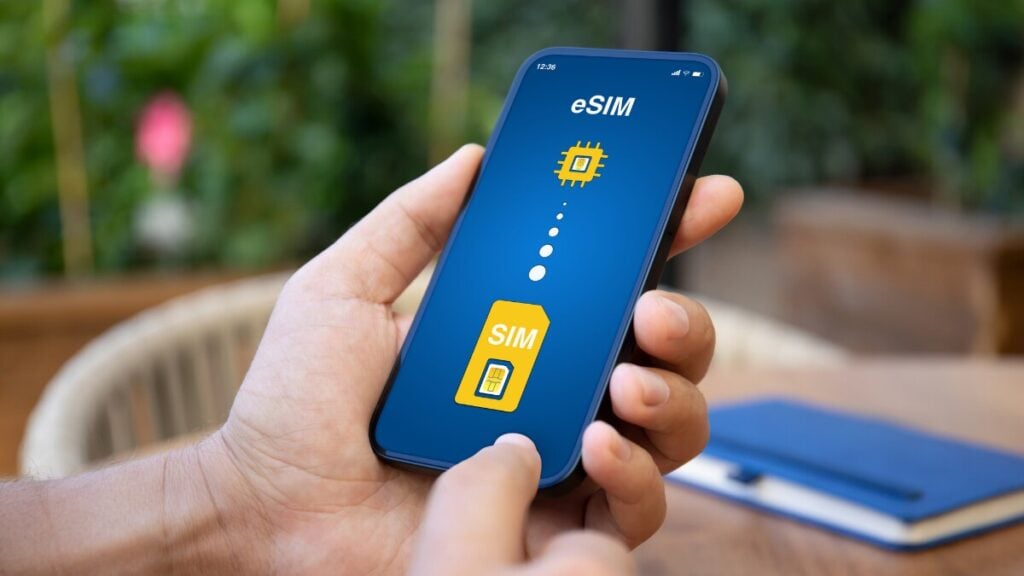
Travelling with mobile data used to mean either paying high roaming fees or trying to find a local SIM card after landing. A travel eSIM gives you a simpler option. You can often set everything up before you leave, keep your usual SIM in your phone, and avoid scrambling for airport Wi-Fi or a local phone shop on arrival. This guide explains what a travel eSIM is, how travel eSIMs work when travelling, how TravelKon eSIM activation works, how to check your data usage, and what to do if your eSIM is not working properly.
What is a Travel eSIM?
A travel eSIM is a digital version of a SIM card designed for use abroad. Instead of inserting a small plastic card into your phone, you download an eSIM profile to a compatible device. That profile connects you to a supported mobile network in your destination.
If you have been wondering what an eSIM for travel is, think of it as a more convenient way to get mobile data overseas. It is still a SIM in practical terms, but it is stored digitally inside your phone rather than as a removable card.
Travel eSIMs are popular because they help travellers get online quickly without changing their normal number or handling a second physical SIM, which is very convenient for most people. In fact, global adoption of eSIM travel technology has officially crossed the 5% mark, marking a significant jump from the 3% adoption rate seen in 2024.
Depending on your setup, you may be able to use your regular SIM for calls and texts while using your travel eSIM for data.
How Do eSIMs Work When Travelling?
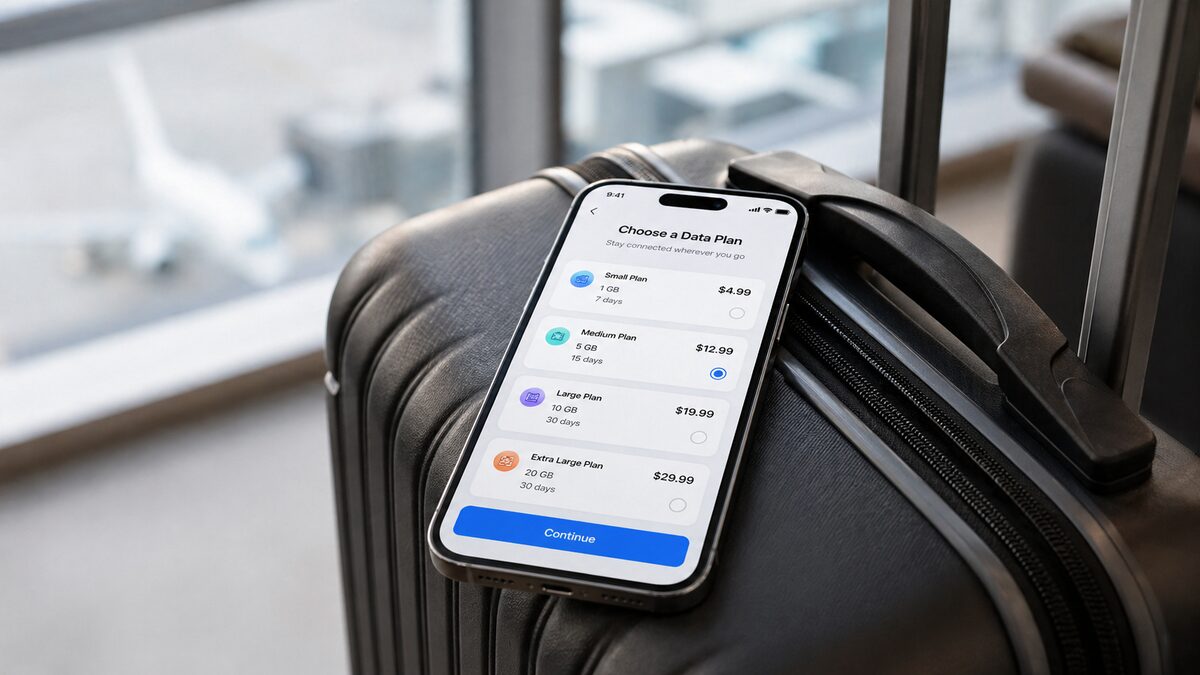
In most cases, the process is simple. First, you choose and buy a plan for the country or region you are visiting. After purchase, you receive the eSIM details, usually as a QR code or manual installation information. You then install the eSIM profile on your phone before departure or when you are ready to use it.
Once you reach your destination, you switch on the travel eSIM for mobile data, check that the correct settings are enabled, and your phone connects to a partner network supported by your plan. In some cases, roaming needs to be enabled on the eSIM line for the service to work properly, even though you are using an eSIM plan rather than your home carrier’s standard roaming.
So if you are asking how travel eSIMs work, the short answer is that it gives your phone a digital mobile plan for overseas use, letting you connect in the same way a physical SIM would, but without swapping cards.
Why Choose a Travel eSIM Instead of Roaming or a Physical SIM?
The main reason travellers choose an eSIM for travel is convenience. You can usually set it up before you fly, which means you are not relying on airport kiosks, local stores, or hotel Wi-Fi to get connected.
It can also give you better cost control. A 2024 market analysis by Juniper Research found that while standard international roaming costs subscribers an average of $8.57 per GB, travel eSIM users spent an average of $5.50 per GB. This 35% reduction in data costs represents a major value proposition for modern international travellers. Instead of using your home carrier’s roaming charges without much visibility, you choose a plan in advance and know what data allowance you are working with.
Also, a physical SIM can be easy to lose, and swapping SIM cards can be annoying if you want to keep your regular number active. A travel eSIM lets many users keep their main SIM in place while adding travel data on top. For short trips, work travel, stopovers, and multi-country travel, that simplicity is often the main selling point.
How to Install and Activate a TravelKon eSIM
For first-time users, installation and activation are the parts that matter most. TravelKon eSIM activation is usually straightforward when you take it step by step.
1. Purchase the right plan
To activate travel eSIM, start by choosing the TravelKon plan that matches your destination and trip length. Make sure the country or region is correct before buying.
2. Receive your eSIM details
After purchase, you should receive your eSIM details by email. This will normally include a QR code or manual setup information.
3. Install the eSIM profile
Open your phone’s SIM or mobile network settings and add the eSIM using the QR code or the manual details provided. This installs the travel eSIM on your device, but it does not always mean it is active for use straight away.
4. Check if your phone is compatible
Before installation, make sure your handset supports eSIM. If you are unsure, check our list of eSIM-compatible phones and devices.
5. Review any key settings
After installation, check whether the correct APN or network settings are needed. Some plans work immediately, while others may need a small manual adjustment based on the instructions you receive.
6. Select the correct eSIM for data
If your phone has more than one SIM active, make sure the TravelKon eSIM is selected as the line used for mobile data. This is a common step people miss.
7. Enable roaming if required
Some travel eSIM plans require data roaming to be enabled on the eSIM line. This can sound strange, but it is often part of how the service connects to supported partner networks overseas.
8. Connect on arrival
Once you arrive, turn on the eSIM line if needed, make sure mobile data is assigned to it, and allow the phone a moment to connect. In most cases, it should join a supported network automatically.
How to Check Your TravelKon Data Usage
There are usually two simple places to start. And the first is your TravelKon order or account information, where available. Depending on the plan and setup, usage details may be visible through the provider’s order updates or customer support flow.
The second is your phone itself. Most smartphones let you see how much mobile data has been used by each SIM or eSIM line. In your cellular or mobile data settings, you can often view usage for the active period and check whether the TravelKon eSIM is the line consuming data.
This is helpful because it shows real device-side usage, even if you just want a quick sense of how fast data is being used. If you are close to your limit, checking your phone settings can help you decide whether you need to top up, reduce background data use, or rely on Wi-Fi more often.
A good habit is to reset your mobile data statistics just before your trip begins so you can track usage more accurately during travel.
What to Do If Your Travel eSIM Is Not Working
If your travel eSIM is not working while travelling, start with the basics before assuming something is seriously wrong.
First, confirm that the eSIM is actually installed on the phone. Next, make sure the correct eSIM is selected for mobile data. If your regular SIM is still set as the data line, your travel eSIM may appear inactive even though it is installed correctly.
After that, check whether roaming is enabled for the eSIM line if your plan requires it. Then restart your phone and wait a moment for the network to reconnect. You can also look at network selection settings to see whether automatic selection is switched on, and review APN settings if your TravelKon instructions mention them.
If you still cannot connect, you can read our full guide on eSIM is not working properly for deeper troubleshooting steps.
How Many eSIMs Can You Have on One Device?
This depends on your handset. Many newer phones can store several eSIM profiles, but that does not mean they can all be active at the same time.
For travellers, the main thing to know is that storage capacity and active SIM support are different. Your phone may let you save multiple eSIMs for future trips, but only one or two lines may be usable at once, depending on the device.
Who Should Use a Travel eSIM?
A travel eSIM works well for holidaymakers who want data as soon as they land, business travellers who need reliable connectivity without wasting time, digital nomads who move between destinations, and multi-country travellers who want something more flexible than buying separate local SIMs in each place.
It is also a strong option for anyone who wants a simpler alternative to roaming and does not want to deal with swapping a physical SIM card in and out of their phone.
Final Thoughts
Sorting out your connectivity before you travel is one of those small decisions that has a big financial impact later. Roaming charges tend to creep in, particularly when your phone is constantly syncing in the background. That is where a TravelKon eSIM makes a noticeable difference. You stay connected from the moment you land without triggering expensive international rates, and there is no need to hunt for local SIM cards or deal with patchy setups.
It keeps things simple, predictable, and easy to manage, which is exactly what you want when you are moving between countries and trying to keep your overall travel budget under control.
FAQs
What is a travel eSIM?
A travel eSIM is a digital SIM card for overseas use. It lets you install a mobile plan on your phone without inserting a physical SIM.
How do travel eSIMs work when travelling?
You buy a plan, install the eSIM on a compatible phone, activate the correct settings, and connect to a supported network in your destination.
How do I activate a TravelKon eSIM?
Buy the plan, install the eSIM profile from the QR code or set up details, choose it for mobile data, enable roaming if required, and connect on arrival.
How do I check my TravelKon eSIM data usage?
Check your TravelKon order or account information, where available, and also review your phone’s mobile data settings to see usage on the eSIM line.
Why is my travel eSIM not working?
Common causes include the wrong SIM being selected for data, roaming not being enabled where required, incorrect APN settings, or the phone not reconnecting to the network after arrival.
Can I use a travel eSIM and my normal SIM at the same time?
In many cases, yes. A compatible dual SIM device can often keep your normal SIM active while using the travel eSIM for data.
Can I transfer my eSIM to another phone?
Usually not in a simple way once installed, though this depends on the provider and device. It is best to assume an eSIM is tied to the phone it was first set up on unless stated otherwise.
How do I know if my phone supports eSIM?
Check your phone model against your provider’s compatibility list before purchase and installation.