Gaming on the move is never just about the game itself. Most sessions feel smooth and lightweight while you are actually playing. What adds pressure is everything surrounding it, from downloads and updates to voice chat and cloud syncing. When travelling abroad, keeping that wider data use under control becomes just as important as the gameplay itself.
A travel eSIM helps manage it all more predictably wherever you connect. It keeps data access flexible, so you don’t constantly have to worry about every tap or background process while away.
Does Gaming Use a Lot of Data?
Online gaming uses between 40 MB and 300 MB of data in an hour, which is way less compared to what most people expect. Many games send small packets of information back and forth rather than heavy video files. That means standard online gaming data usage can stay fairly modest compared with things like streaming Netflix, watching YouTube, or joining long video calls.
But if the question includes downloading a new title, installing updates, using voice chat for hours, or relying on cloud gaming, the answer changes fast. That is when gaming on mobile data becomes expensive.
How Much Data Does Gaming Use Per Hour?
There is no single number because different types of games behave very differently. Still, a few rough ranges make planning much easier.
Casual Mobile Games
Simple puzzle games, card games, and many offline-friendly mobile titles tend to use very little data unless ads, account syncing, or online features are constantly running. In many cases, a traveller could play for quite a while without seeing much impact on a plan with some games using as low as 200 KB.
Online Multiplayer Games
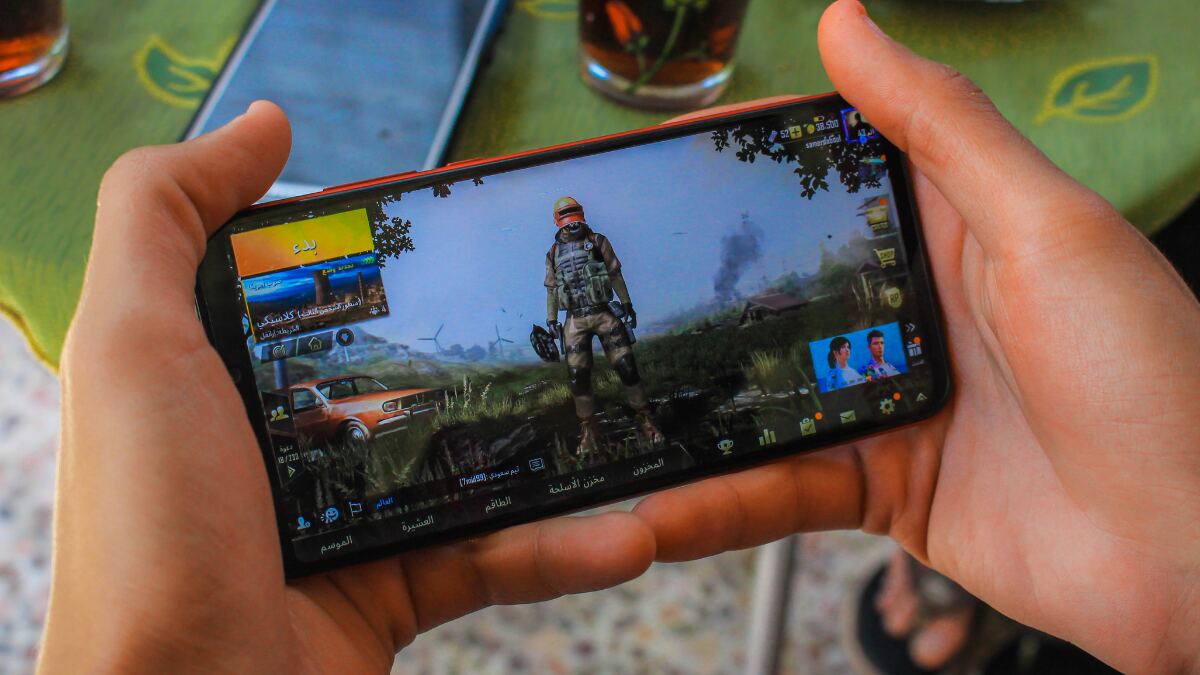
This is the category most people mean when they ask how much data online games use. For standard multiplayer matches, usage is often moderate rather than extreme. Competitive shooters, sports games, and battle games can add up over time, but live gameplay alone is usually still lighter than video streaming. You may end up using less than 200 MB of data per hour.
Games With Voice Chat
Voice chat changes everything. Once constant audio is added on top of gameplay, data usage rises but still often falls below 300 MB an hour. A few matches with chat enabled may still be manageable, but long sessions will eat through a plan much faster than silent play.
Cloud Gaming or Streamed Gameplay
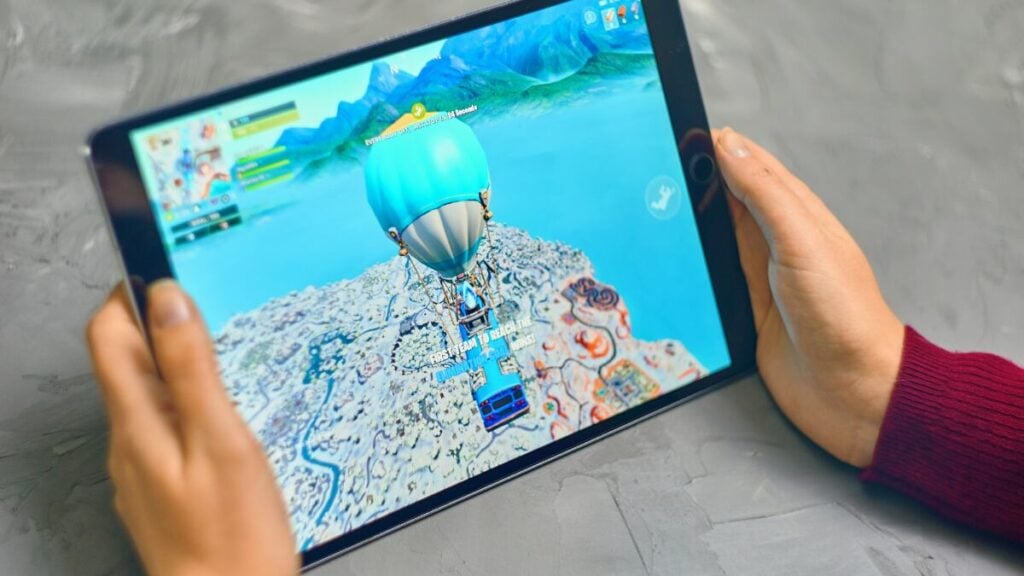
On-demand gaming has absolutely exploded in popularity over the last few years. Thanks to better mobile networks and a massive shift toward playing heavy console-quality games right on our phones, we no longer need to travel with heavy hardware to play top-tier titles. However, this convenience comes with a massive catch for your data budget.
Because cloud gaming processes the game on a remote server, it doesn’t just send tiny pieces of data; it continuously streams a live, high-resolution video feed directly to your screen. Cloud gaming platforms can burn through anywhere from 4 GB to 20 GB per hour, depending on your settings. If you are streaming at standard 1080p (60fps), you are looking at roughly 7 GB to 11 GB per hour, making it an incredibly fast way to wipe out a travel data plan in a single afternoon.
Online Gaming vs Downloading Games: Which Uses More Data?
Downloading usually uses far more data, and it does it much faster. That is the most useful rule to remember. A few online matches may only use a moderate amount over an hour or two, while downloading a game or major update can consume gigabytes almost immediately.
So when someone asks if gaming uses a lot of data, the real answer depends on whether they mean playing the game or getting the game ready to play. For travel planning, downloading is the bigger risk by far.
How Much Data Does Mobile Gaming Use on a Travel Day?
A normal travel day gives a better way to think about it. A traveller playing 30 minutes of a casual mobile game while waiting at the airport is unlikely to use much data at all, especially if the game has limited online activity. A few multiplayer matches during a train ride will use more, but still may stay reasonable on a decent plan. Several hours of active multiplayer with voice chat is where the total starts to climb.
Then there is the danger zone: opening a game after landing and letting it run an update over mobile data. That one step can easily use more data than the rest of the day combined. So the real question is not only how much mobile data gaming uses. You also need to consider what kind of gaming is happening and what else the game decides to do in the background.
Does Gaming Use More Data Than Streaming or Video Calls?
Usually, standard gameplay does not. Regular online gaming is often lighter than video streaming and can also be lighter than long FaceTime calls. That surprises a lot of people. However, cloud gaming is different. Once the game itself is being streamed to the device, data use can become as heavy as video, or heavier.
So if the comparison is standard online play versus streaming, gaming often comes out lighter. If the comparison is cloud gaming versus streaming, that gap can disappear quickly.
How to Use Less Data While Gaming
Anyone gaming while travelling should be strict about a few settings:
- Download games and updates on Wi-Fi only.
- Turn off automatic updates on mobile data so apps do not start pulling files in the background.
- Avoid cloud gaming on a limited plan unless there is plenty of spare data.
- Disable voice chat when it is not needed.
- Check game and app store settings for mobile data restrictions.
- Limit cloud syncing and background saves until connected to Wi-Fi again.
It also helps to keep an eye out for any data usage warning if a plan is starting to disappear faster than expected. That is often the first sign that updates, syncing, or background traffic are doing more damage than the gameplay itself.
Is Gaming Safe on a Travel eSIM?
Yes, in many cases it is. Light gaming, casual mobile play, and short multiplayer sessions can be perfectly manageable on a Travel eSIM, especially if downloads and updates are kept for Wi-Fi. That is the key point. Gaming on a travel plan is not automatically risky, but careless gaming is.
Travellers who mainly play simple mobile games will usually have a much easier time than those relying on large installs, constant chat, or streamed gameplay. If the plan is limited, you should also try as much as you can to limit gaming.
How Much Travel Data Should You Budget for Gaming?
Gaming should be treated as one part of the wider travel data plan. Maps, messaging, social media, music, browsing, uploads, and video calls all compete for the same allowance. A traveller who only games casually may not need much extra data at all. A traveller who plays multiplayer daily, keeps chat enabled, and lets games update freely should budget much more.
The safest approach is to assume gameplay may be manageable, but leave room for surprises. Games are rarely the problem when they are just being played.
Takeaways
As you can see, gaming uses less data than many people fear during normal gameplay, and much more than expected once downloads, updates, voice chat, or cloud gaming enter the picture.
For travellers, the smart move is to keep heavy downloads and updates on Wi-Fi, watch background activity, and treat gaming as part of a bigger travel data budget. Done carefully, gaming on mobile data can be manageable. Done carelessly, it can drain a plan far faster than streaming a few videos.
FAQs
How much data does gaming use per hour?
It depends on the type of game. Casual games usually use very little, standard online multiplayer is often moderate, and cloud gaming can use a lot.
Does online gaming use a lot of mobile data?
Usually less than people expect. Normal online play is often lighter than streaming video, but long sessions with voice chat will use more.
Do game downloads use more data than playing online?
Yes. In most cases, downloads and updates use far more data than actual gameplay.
Can gaming on eSIM work while travelling?
Yes, especially for lighter gaming habits. Travellers just need to be careful with updates, downloads, and cloud gaming.
How can gaming data usage be reduced while travelling?
Use Wi-Fi for downloads, switch off auto-updates, avoid cloud gaming, reduce voice chat, and limit syncing in the background.