
As a global travel staple, Google Maps dictates how the world moves, boasting over 2 billion monthly active users and capturing an estimated 67% to 70% of the global navigation market share. However, relying on this massive global network means your phone is constantly working in the background.
Managing mobile data across multiple countries often comes down to simple awareness rather than strict limits. Small actions like checking directions, searching places, and refreshing routes build up quickly over long travel days. The worst part is that it never feels like much in the moment, but that steady background usage can eat through your data allowance before your trip even starts.
That is where the right travel eSIM plan helps. It keeps connectivity consistent between borders and removes the need to constantly track data, allowing navigation and everyday travel to flow more naturally.
Does Google Maps Use a Lot of Data?
Usually, no. Google Maps uses between 3 MB and 15 MB of data in a an hour depending on the navigation feature in use. Compared with streaming apps, video calls, or endless social scrolling, Google Maps data usage is relatively modest. A traveller can often use it throughout the day without seeing a dramatic drop in available data. The trouble starts when Maps is used heavily alongside everything else.
Navigation may stay reasonable on its own, but pair it with music streaming, messaging, browsing, and uploads, and a small plan can disappear faster than expected.
How Much Data Does Google Maps Use Per Hour?
The most honest answer is that it depends on how the app is being used. A quick location search uses 3 to 10 MB per hour. Occasional route checks stay fairly light while live turn-by-turn navigation for a long drive will use more, though still often ranging between 10 MB and 15MB per hour.
As a rough guide, opening the app, loading an area, and searching a few destinations will usually only use about 1MB of data. Checking directions now and then throughout the day stays on the lighter side. Continuous navigation for an hour tends to use more because the app is updating your position, loading route details, refreshing traffic conditions, and sometimes pulling in nearby place information.
For most travellers, Google Maps navigation data use sits somewhere in the light-to-moderate range rather than the heavy range. That makes it manageable on most travel plans, but not something to ignore altogether.
What Affects Google Maps Data Usage?
A few things make a bigger difference than others. The first is how often the map needs to load or refresh. A traveller moving through new areas all day will usually use more data than someone staying in one part of a city. The second is whether live navigation is running continuously. A quick route check is one thing, but keeping voice navigation active for hours is another.
And as mentioned above, if the app is constantly adjusting the route because of road conditions, it needs more live data. Searches can increase usage too, particularly when checking multiple restaurants, attractions, or business listings in a short period. Photos, reviews, opening hours, and other business details all add a little more activity.
Offline preparation changes everything. Downloading maps before heading out is one of the simplest ways to reduce usage. So is planning stops in advance rather than searching on the go. And then there is time. Even a relatively light app can make a dent if it is used all day, every day, across a long trip.
Google Maps Navigation vs Offline Maps
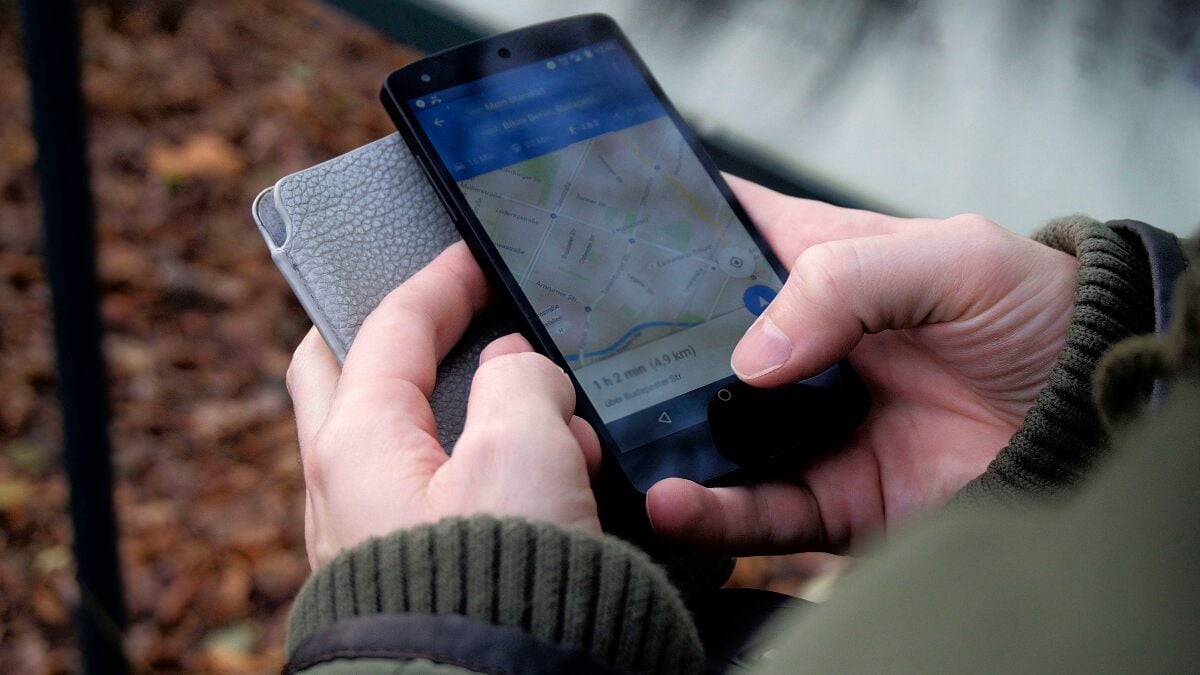
Live navigation over mobile data is convenient because it gives access to current traffic, route changes, and the latest map details. It is often worth using when timing matters, such as airport transfers, train connections, or driving in unfamiliar cities. But it also uses more data because the app keeps pulling live information while the trip is in progress.
Offline Google Maps downloads work differently. Once a map area is saved in advance, much of the core information is already on the phone. That means less reliance on mobile data while getting around. For travellers, this can be the difference between barely touching your data and slowly draining it across a busy day.
Offline maps are especially useful for city breaks, sightseeing days, and places where the signal may be patchy. They also give a bit more peace of mind. Getting lost with a weak connection is never fun.
How Much Data Does Google Maps Use on a Travel Day?
A short city day with a few walking directions, one cafe search, and a route back to the hotel will usually use about 10 to 30 MB of data per week. A sightseeing day with repeated searches, route changes, and constant map checks will use somewhere between 50 and 150 MB per week. An airport transfer plus a full day moving between suburbs, attractions, and restaurants will push usage higher again. A long road trip with live navigation running for hours is often the heaviest version of Google Maps while travelling, though still not usually extreme compared with video or social apps.
That is why travellers should think in patterns rather than fixating on one exact figure. Someone using Maps lightly for ten minutes here and there is unlikely to notice much impact. Another person relying on it all day for driving, route checks, and last-minute planning should count it as a real part of their daily data use.
Does Google Maps Use More Data Than Music, Podcasts, or Messaging?
Usually, Google Maps sits below video-heavy apps and often around or below other common travel uses, depending on behaviour.
Messaging apps tend to stay light unless lots of photos, videos, or voice notes are involved. Podcasts and music can vary a lot depending on whether the content is streamed or downloaded in advance, with music data usage often ranging between 40 and 150 MB per hour. Google Maps often lands in a manageable middle ground. It is not usually the biggest drain, but it is also not invisible when used heavily.
Navigation might only take a modest slice of the day’s allowance, but the total picture is what counts. A small plan can still run tight when Maps is combined with social media, browsing, email, ride-share apps, and general background usage.
How to Use Less Data on Google Maps While Travelling
The easiest win is to download offline maps before leaving the hotel, airport lounge, or any reliable Wi-Fi connection. That single step cuts live map loading dramatically and makes navigation much more efficient.
It also helps to save key destinations in advance. Hotels, stations, attractions, restaurants, and meeting points do not need to be searched again and again if they are pinned beforehand. Route planning on Wi-Fi is another smart move, especially before a long day out.
Avoid updating apps mid-trip over mobile data if possible. Keep Google Maps updated before departure instead. Try not to repeatedly search the same area when walking around, and use offline navigation whenever practical rather than defaulting to live mobile use every time.
These small habits make a noticeable difference. They also reduce the chance of seeing a mid-trip data usage warning when the plan should have lasted longer.
Is Google Maps Safe to Use on a Travel eSIM?
Yes, in most cases, it is perfectly safe to use on a Travel eSIM. Google Maps on eSIM is usually one of the more manageable forms of travel data use. For travellers using offline maps properly, occasional searches and navigation should not be a problem on a sensible plan. Even live navigation can be quite reasonable when compared with heavier apps.
The right plan size still depends on travel style. Someone doing short urban trips and using hotel Wi-Fi regularly will need far less than someone driving across regions every day while staying fully connected on the road. But in general, Maps is not the app most travellers need to fear.
How Much Travel Data Should You Budget for Navigation?
If a trip mostly involves messaging, browsing, a bit of map use, and hotel Wi-Fi at night, the data needed for Google Maps may feel quite small. If the days involve long drives, live navigation, social uploads, streaming, and hotspot use, then even moderate map usage becomes more important.
A good rule is to think about Maps as steady background consumption rather than a sudden spike. For a typical traveller navigating for two hours a day, the app uses less than 10 MB per day. It rarely destroys a plan on its own, but it can add to everything else.
It rarely destroys a plan on its own, but it can add to everything else. That is why the best approach is not just asking how much data Google Maps uses, but how much travel data is needed overall once navigation is included.
Final Thoughts
Good data habits shape the entire travel experience when using an eSIM. Small choices, like downloading maps in advance, planning routes on Wi-Fi, and limiting background refresh, make a noticeable difference over time. Apps such as Google Maps fit easily into daily use, but it is the frequency of use can change everything.
FAQs
How much data does Google Maps use per hour?
It depends on the type of use. Occasional checks and searches stay fairly low, while continuous live navigation for an hour uses more. In most cases, it is still lighter than streaming video or heavy social media use.
Does Google Maps use a lot of mobile data?
Not usually. Google Maps data usage is generally modest compared with many other apps, though heavy daily navigation can still add up over time.
Does Google Maps use data even with offline maps?
Yes, sometimes. Offline maps reduce usage significantly, but some features, such as live traffic, rerouting, or certain place details, may still rely on a connection.
Can Google Maps be used on a travel eSIM?
Yes. Google Maps is usually very manageable on a travel eSIM, especially when offline maps are downloaded before heading out.
How can Google Maps data usage be reduced while travelling?
Download offline maps, save destinations in advance, plan routes on Wi-Fi, avoid repeated searches on mobile data, and use live navigation only when it is actually needed.
Is Google Maps a big drain on travel data?
Usually not. It is more often a steady, moderate user than a heavy one, but long days of live navigation can still make a difference on smaller plans.