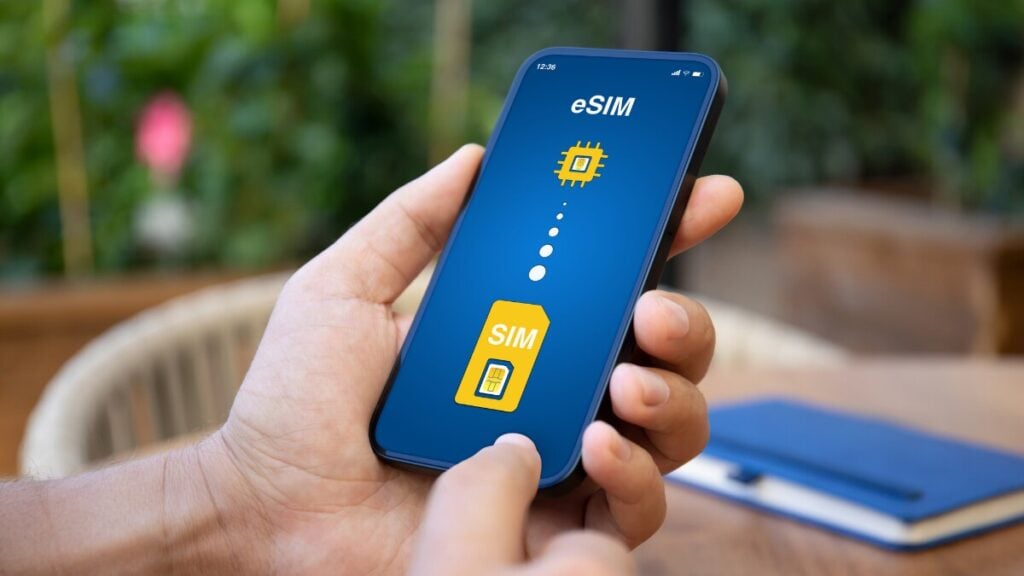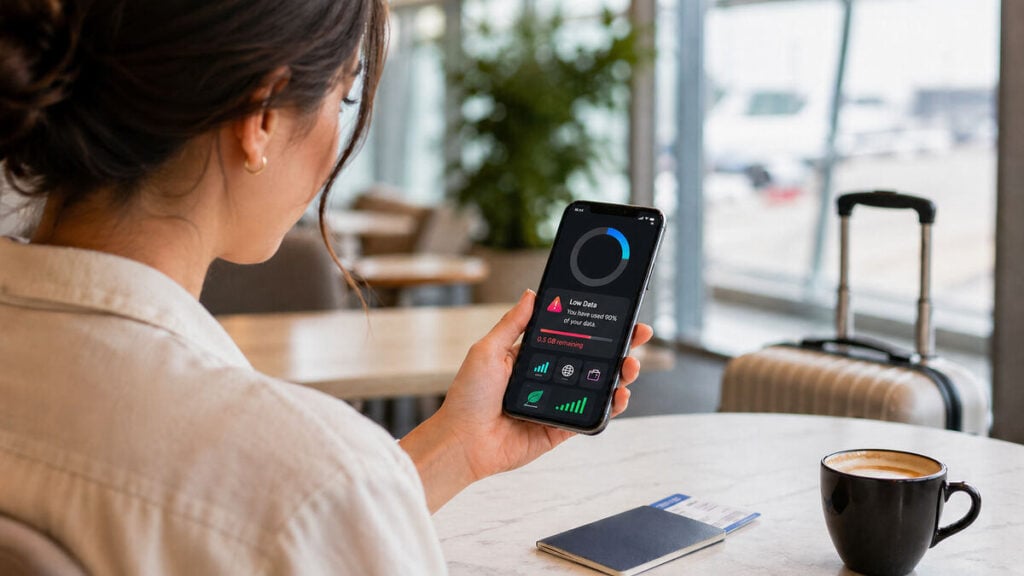
You do not usually notice travel data until it is nearly gone. One morning, you are using maps, replying to messages, checking restaurant reviews and uploading a few holiday photos, and by the afternoon, you are staring at an eSIM low data warning in the middle of a city you do not know. And that is exactly where this eSIM data 101 guide can come in handy. It is built for travellers who want to check remaining eSIM data quickly, understand where it is going, and make better decisions before they need an urgent top-up.
Whether you are using your first Travel eSIM or trying to make your current plan last until the end of a trip, the goal is to track usage early, cut obvious waste, and top up before it becomes stressful.
Why Travel eSIM Data Runs Out Faster Than You Expect
Most travellers do not burn through data because of one big mistake. It usually happens through a pile-up of small habits that feel harmless on their own. Live maps stay open for hours, Instagram uploads in the background, your phone starts syncing photos, a hotel Wi-Fi connection drops out, then your laptop uses your hotspot for software updates. By the time you notice, your travel eSIM data usage is much higher than expected.
That is why the best way to manage mobile data while travelling is not to wait until you are almost out. You need to check your balance early, understand the biggest drains, and make a few setting changes from day one.
What eSIM Data Actually Covers
A travel eSIM usually covers mobile data rather than traditional calls and texts, although inclusions can vary by plan. In practical terms, that means every app using the internet over cellular can chip away at your allowance. Maps, messaging apps, video calls, social media, cloud backups, music streaming, email attachments and hotspot use all count.
If you are wondering why eSIM data runs out fast, the answer is often simple: modern phones are doing far more in the background than most people realise.
How to Check Your eSIM Data Balance
If you want to know how to track eSIM data properly, use more than one method. Device-level figures and provider-level balances are both useful, but they do not always refresh at exactly the same time. Treat them as two helpful reference points rather than expecting a perfect match.
There are three main ways to check remaining eSIM data:
- Inside your provider account, app or portal: This is usually the clearest place to see your current allowance, whether a top-up is available, and whether your plan validity is still active.
- Inside your phone settings: Your phone can show which apps are using the most cellular data, which is useful when you are trying to work out what is draining your plan.
- Through alerts and warnings: Low-balance or threshold alerts can help you act before you are completely out of data. If you have already had a data usage warning, it is a good sign to review both your balance and your settings straight away.
How to Check eSIM Data Usage on iPhone
To check eSIM data usage on an iPhone, the fastest path is through cellular settings.
Go to Settings > Mobile Service or Cellular, then look for your active eSIM line. From there, you can usually see total cellular usage and which apps are consuming the most data. This is one of the easiest ways to spot hidden drains, such as cloud storage, social apps or streaming platforms.
Useful iPhone controls include:
- Low Data Mode: Helps reduce background activity such as automatic updates and sync tasks.
- App-level mobile data permissions: Turn off cellular access for apps you do not need while out and about.
- Wi-Fi Assist awareness: If your phone quietly uses mobile data when Wi-Fi is weak, that can push usage up faster than expected.
On iPhone, a good habit is to reset your cellular statistics just before your trip or just after your eSIM activates. That gives you a cleaner view of travel-only usage rather than a mix of old and new data.
How to Check eSIM Data Usage on Android
Android menus vary slightly by brand, but the main path is usually Settings > Network & Internet, Connections or SIM Manager, then Data Usage or Mobile Data Usage. Once you are in the right area, you can normally see how much data has been used overall and which apps are responsible.
This is where Android is especially useful for travellers. You can often set a warning threshold, a hard limit, or both. That means your phone can alert you before you run low, rather than after you have already used most of your allowance.
The most useful Android controls for travel are:
- Data Saver: Restricts background data for many apps.
- Per-app background data controls: Handy for stopping photo apps, social feeds and cloud services from using mobile data without you noticing.
- Usage warning or limit settings: A practical way to stay on top of travel eSIM data usage without checking manually all day.
How Much Travel Data Do You Actually Need?
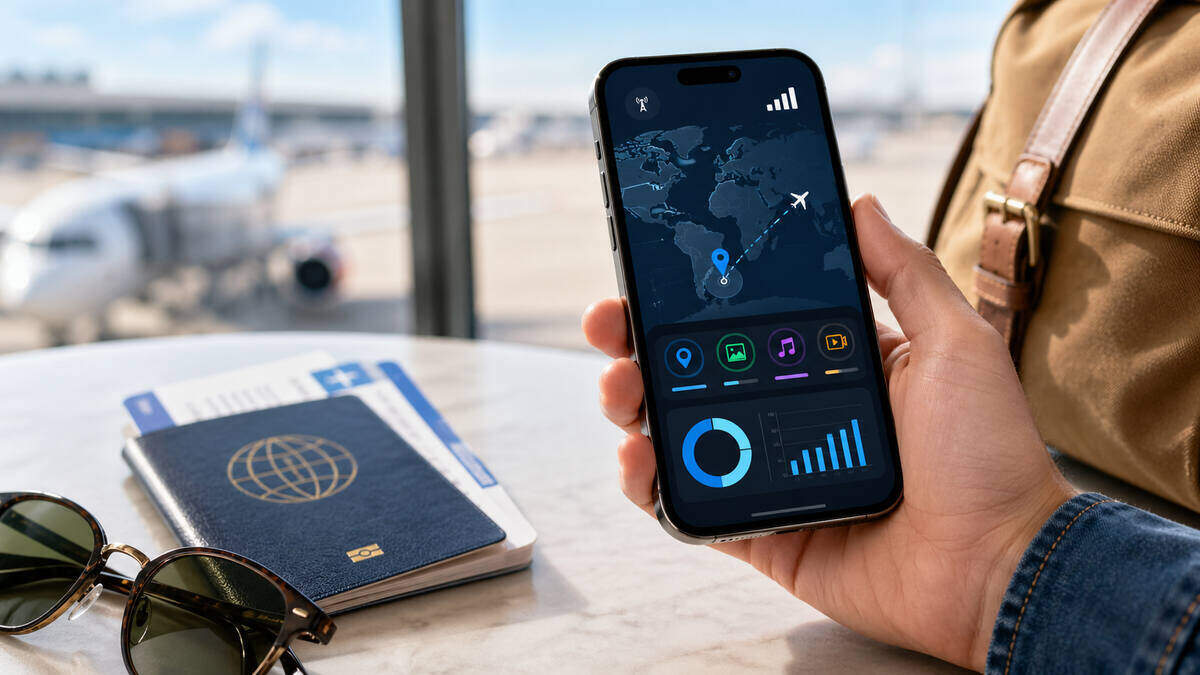
The answer to this depends less on trip length and more on how you use your phone each day.
Light use suits travellers who mostly use messaging, email, occasional map checks and basic browsing. If you mostly stay on Wi-Fi and do not stream much, a smaller plan may be enough.
Moderate use suits travellers who use maps regularly, scroll social media daily, upload some photos and rely on mobile data for a decent part of the day. This is where many people underestimate their needs.
Heavy use suits travellers using hotspot, video calls, regular video streaming, frequent uploads, or long navigation sessions. If that sounds like your trip, a bigger plan is usually cheaper and less stressful than repeated emergency top-ups.
A simple rule is that if your phone is doing more than maps, messages and quick searches, you are probably not a light user.
When You Should Top Up Your eSIM
If you are trying to decide how to top up eSIM data at the right time, do not wait until you are down to your final sliver of allowance. That is when travellers make rushed choices, buy the wrong pack, or discover their plan rules are different from what they assumed.
You should usually think about a top-up when:
- Getting close to the end of your allowance
- You still have several travel days left
- Your original plan was clearly too small for your travel style
- You have used more hotspot or navigation than expected
The practical approach is to top up while you still have enough data to do it comfortably. Waiting until you are almost disconnected is rarely worth it.
How eSIM Top-Ups Usually Work
Top-up rules vary by destination and provider, so the smartest move is to check the details before paying. If you want to top up travel eSIM data without surprises, look at three things first.
- Does the top-up add data only, or does it also affect validity? Some add-ons increase data but keep the same expiry date.
- Does it start immediately, or only after the current allowance is used? This is important if you are buying ahead rather than in a panic.
- Can your existing eSIM be topped up, or do you need a new purchase? Not every plan works the same way.
If you are travelling across multiple countries, also check whether the top-up follows the same regional coverage as your existing plan.
How to Use Less Data While Travelling
If your goal is to use less data while travelling, small habits make a bigger difference than most people expect. You do not need to baby your phone all day, but you do need to stop the obvious waste.
- Download offline maps before you head out. This is one of the best travel data saving tips because navigation is a daily drain for many travellers.
- Use accommodation Wi-Fi for updates. Let apps, operating systems and cloud services run while connected to Wi-Fi rather than mobile data.
- Pause cloud backups on cellular. Photo and video syncing can eat through gigabytes.
- Lower video quality. Streaming in lower resolution makes a real difference.
- Turn off autoplay in social apps. Reels and short-form video are data-hungry.
- Avoid large uploads until Wi-Fi is available. This includes sending dozens of photos, backing up videos, or uploading content to cloud storage.
- Watch hotspot use closely. A laptop on a hotspot can turn a modest day of browsing into a large chunk of your allowance.
Best Phone Settings to Make Your Data Last Longer
Cutting data usage on both iPhone and Android often comes down to a few small settings tweaks that reduce background consumption without affecting everyday use.
iPhone
Turn on Low Data Mode for your eSIM line, switch off cellular access for non-essential apps, and make sure photo backups are not set to run over mobile data. Check streaming apps too, because some will default to better quality than you actually need on the move.
Android
Turn on Data Saver, review background data permissions app by app, and set a warning threshold that gives you time to react before your balance gets tight. If your phone offers a hard limit, that can be useful too, especially on shorter trips with a fixed allowance.
These are the phone changes most likely to reduce mobile data usage in a meaningful way. You do not need to touch every setting on your device; just focus on the few that stop background activity and heavy media use.
eSIM vs Roaming for Data Control
One reason travellers prefer eSIMs is that they usually offer clearer visibility over usage and spend than standard roaming. Traditional roaming can feel vague until the bill arrives. A travel eSIM makes it easier to monitor allowance, avoid roaming charges and decide whether to top up based on what you are actually using.
For travellers who want tighter control, that visibility is often as important as the price itself.
Takeaways
The easiest way to avoid running out of data abroad is to always check your balance early, understand what you are using the most data on, and fix the obvious drains before they force an urgent top-up.
If your maps, uploads, hotspot use or streaming habits are heavier than expected, act sooner rather than later. A few small settings changes and a timely top-up usually cost far less than losing connection when you actually need it.
FAQs
How do I check how much eSIM data I have left?
The best method is to check both your provider balance and your phone’s cellular data settings. Your provider shows what remains in your plan, while your phone shows which apps are using the most data.
Why is my eSIM data running out so quickly?
The biggest reasons are usually maps, video streaming, social uploads, cloud backups, app updates and hotspot use. Many travellers use far more data than they think because background activity keeps running all day.
Can I top up my eSIM before it expires?
Often yes, but the rules vary. Before buying more data, check whether the top-up starts immediately, whether it changes validity, and whether it works on your current eSIM or requires a new purchase.
How much travel data do I need for maps, messaging and social media?
For basic messaging and light map use, you may only need a modest amount. Once you add regular social scrolling, photo uploads and daily navigation, you move into moderate use quite quickly. Hotspotting and streaming push you into heavy use.
Does Low Data Mode help save eSIM data?
Yes. On iPhone, Low Data Mode can reduce background activity such as syncing and updates, which helps stretch your allowance further while travelling.
What is Android Data Saver, and should I use it while travelling?
Android Data Saver limits background data for many apps and is well worth turning on while abroad, especially if you are on a smaller plan or trying to avoid topping up too soon.
Is it better to top up or buy a bigger eSIM plan?
If you already know your travel style is data-heavy, a bigger plan is often the cleaner option. If your usage only increased because of an unusually busy few days, a top-up may be enough. The key is to judge based on how many travel days you have left and how you are actually using your phone.