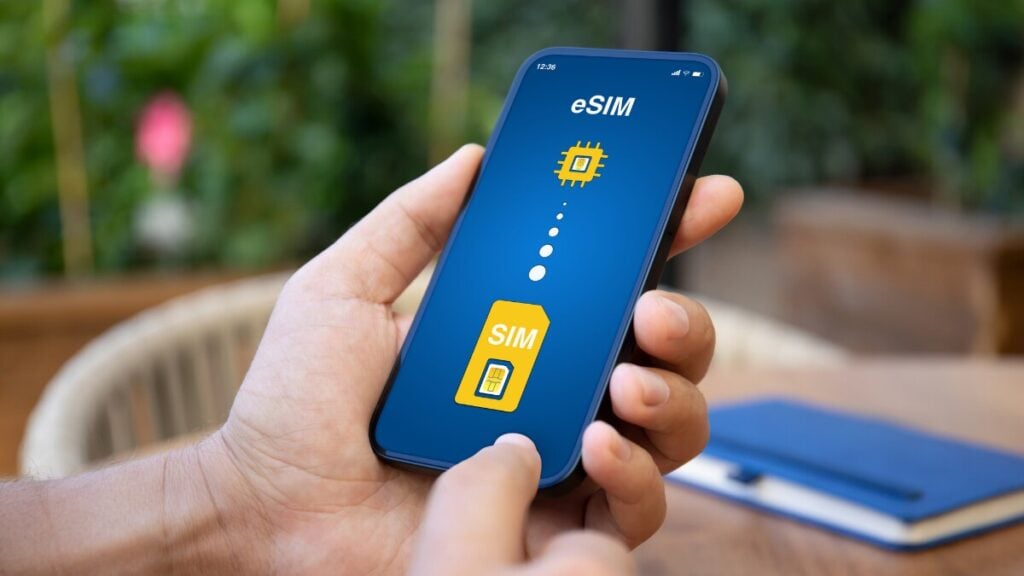
Does my phone support eSIM? This is a common question among those planning overseas travels. The short answer is that many newer phones do support eSIM, but not every device does. Compatibility can depend on your phone model, the country or region it was made for, your software version, and whether the device is locked to a carrier.
With the help of this guide, you’ll get a better understanding of how you can pair your phone to an eSIM for the best service. And if you are still new to the basics, it may also help to read our what is a travel eSIM blog before moving on to compatibility.
What Does eSIM Compatible Mean?
An eSIM-compatible phone has built-in support for a digital SIM. That means you can download and activate a mobile plan without inserting a physical SIM card.
That sounds simple, but there are a few catches. A phone can be fairly new and still need checking. Some models support eSIM only in certain regions, some need the latest software, and some carrier-locked phones may not let you use a different provider’s eSIM straight away.
How to Check If Your Phone Supports eSIM
If you want the fastest way to check if your phone supports eSIM, start here.
First, look in your phone settings for an option to add an eSIM, mobile plan, or cellular plan. If that option appears, that is usually the clearest sign your phone supports eSIM.
Second, check your exact model against the manufacturer’s specifications. This is important because support can vary even within the same phone range.
Third, make sure your phone is unlocked and that eSIM is supported for your regional model. A phone may technically support eSIM but still run into problems if it is carrier-locked or sold in a market with different SIM features.
If you want a broader reference point, you can also review our list of eSIM-compatible phones and devices.
How to Check eSIM Compatibility on iPhone and Android
Before setting anything up, it helps to know exactly where to look on your iPhone or Android to confirm whether eSIM is supported and ready to use.
iPhone
On iPhone, checking is usually quite straightforward.
Go to Settings, then Mobile Data or Cellular. Look for an option such as Add eSIM, Add Cellular Plan, or Convert to eSIM. If you can see one of those options, your iPhone likely supports eSIM.
Most newer iPhones support eSIM, but it is still worth checking the exact model and region. Some features vary by market, and a carrier-locked phone may limit what you can do even if the hardware supports eSIM.
Android
Android can take a bit more checking because support varies more between brands and models.
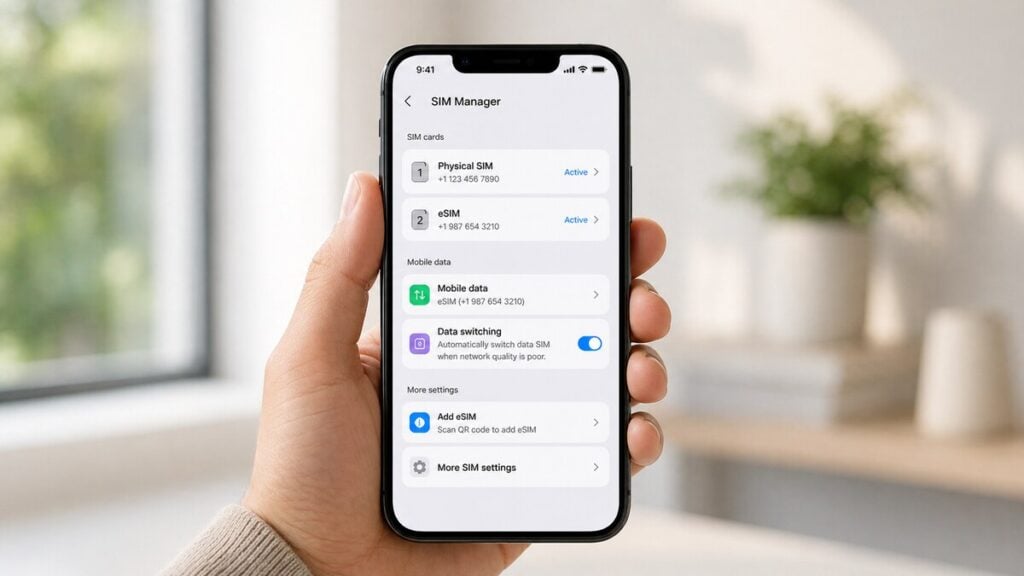
Start by opening Settings and going to Network & Internet, Connections, Mobile Network, or a similar menu. Then look for options such as SIM Manager, Add eSIM, Download SIM, or Mobile Plan.
If you find one of those, your phone may support eSIM. After that, check the exact model on the manufacturer’s site or official product page. With Android, two phones that look almost identical can still have different eSIM support depending on the region or carrier version.
Does My Phone Have eSIM or Just Dual SIM?
Dual SIM does not always mean eSIM support. Some phones have dual SIM through two physical SIM slots. Others use one physical SIM and one eSIM. Some newer devices support multiple eSIM profiles as well.
So if you see dual SIM mentioned in your phone specs, do not assume that means eSIM is available. You still need to confirm the exact type of SIM support your phone has.
What Can Stop an eSIM From Working Even If the Phone Supports It?
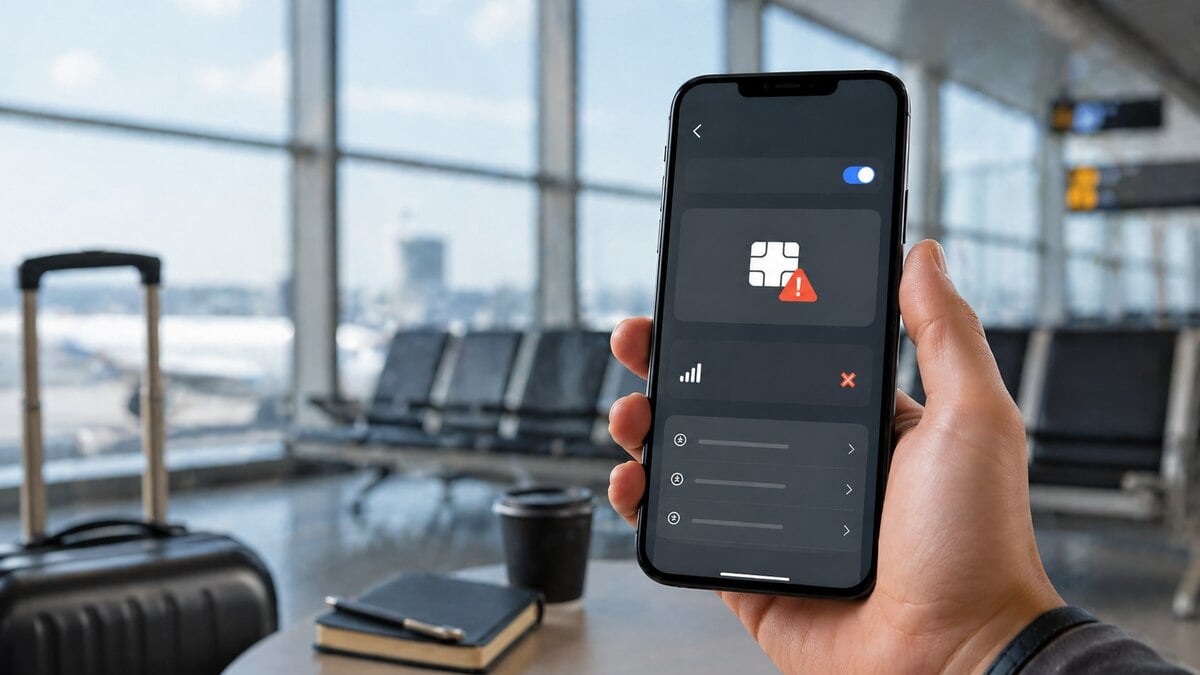
A phone can support eSIM and still not work properly during setup. One common reason is carrier lock. If your phone is locked to one network, it may not accept another provider’s eSIM.
Another issue is regional model restrictions. Some devices are sold with different SIM capabilities depending on where they were made.
Software can also get in the way. If your phone is not updated, the eSIM option may not appear, or the setup may fail.
Then there are basic setup problems. Sometimes the phone supports eSIM, but the wrong line is selected for mobile data, the QR code was scanned incorrectly, or the plan was installed but not turned on properly.
What to Do If Your Phone Does Not Support eSIM
If your phone is not eSIM compatible, you still have options. You may be able to use a physical SIM instead, depending on where you are travelling. You can also check whether your provider offers roaming that makes sense for a short trip. If you already have another unlocked device that supports eSIM, using that phone may be the easiest fix.
The important thing is to check before you buy. It saves time, avoids refund requests, and helps you choose the right option from the start.
What to Do Next If Your Phone Does Support eSIM
Once you have confirmed compatibility, the next step is simple. Choose a plan that suits your trip, install the eSIM, and follow the setup instructions on your device.
At that point, you are no longer asking, “Will an eSIM work on my phone?” You are simply choosing the right plan and getting ready to use it.
Final Thoughts
Before you rely on an eSIM, it is worth confirming your phone actually supports it and that it is unlocked for international use. Once that box is ticked, the convenience becomes obvious. A TravelKon eSIM keeps things simple by getting you connected as soon as you land, without the usual hassle of swapping SIM cards or risking roaming charges.
For travellers moving between countries, it offers a straightforward way to stay online while keeping data costs predictable and under control.
FAQs
Does my phone support eSIM?
Many newer phones do, but not all of them. The best way to know is to check your settings for an eSIM or mobile plan option, then confirm your exact model specifications.
How do I know if my phone is eSIM compatible?
Check your settings first. Then confirm your phone model on the manufacturer’s specifications page and make sure the device is unlocked.
How can I check if my phone has eSIM in settings?
Look for options such as Add eSIM, Add Mobile Plan, Cellular Plan, Download SIM, or SIM Manager, depending on your device.
Can I use an eSIM on my phone?
You can if your phone supports eSIM, is not blocked by a carrier lock, and your regional model allows it.
Does dual SIM mean my phone supports eSIM?
No. Dual SIM can mean two physical SIMs, or one physical SIM plus one eSIM. You need to check the exact SIM type your phone supports.
Why does my phone support eSIM but still not work?
The most common reasons are carrier lock, regional restrictions, outdated software, or setup errors such as selecting the wrong line for mobile data.
What should I do if my phone is not eSIM compatible?
Use a physical SIM if available, check your roaming options, or use another unlocked device that supports eSIM.