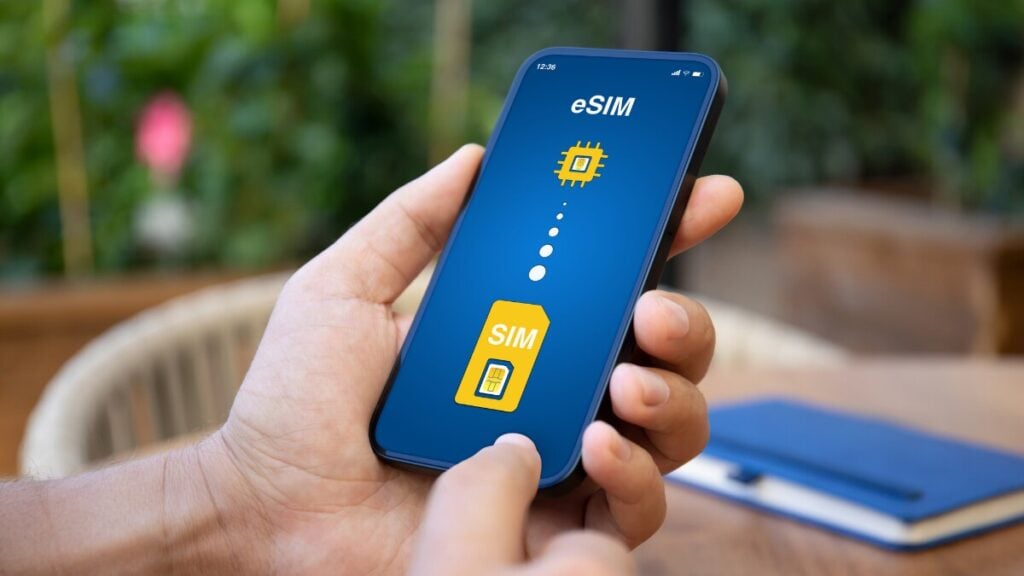
A hotel stay can feel perfectly connected right up until a banking app asks for a code sent to your Australian number. At that moment, everything depends on how your connections are split.
A travel eSIM handles data in the background, while verification messages still follow the original phone line tied to your account. Before departure, compare TravelKon travel eSIMs by destination, allowance, validity, networks and inclusions.
Do Data-Only eSIMs Support SMS and Bank Verification Codes?
No. A data-only travel eSIM normally cannot receive standard SMS or verification codes because it does not include carrier text service or a usable phone number. To receive SMS with a data-only eSIM in use, keep the Australian line active, select the travel eSIM for mobile data and turn off data roaming on the home line.
Delivery still depends on the Australian carrier, overseas network and sender. No setup can guarantee every code.
Data-Only Versus Calls-and-Text eSIMs
An eSIM is digital; calls, texts and a usable number depend on the plan inclusions.
| Line | Receives Standard SMS? | Main Purpose |
|---|---|---|
Data-only travel eSIM | No | Mobile data |
Voice-and-text eSIM | Only if included | Calls, SMS and possibly data |
Australian home SIM | Subject to overseas service | Existing number and verification codes |
A travel eSIM phone number displayed in settings may be a network identifier that cannot accept calls or texts. Check the order for data only, no voice or SMS, or calls and texts included.
To get a clearer picture of how eSIMs work, take a look at our guide on what a travel eSIM is, which breaks down how setup, activation and data usage all fit together in real-world travel situations.
How to Receive SMS While Using a Data-Only eSIM
The phone must support two active lines, and the Australian service must register overseas. Confirm both requirements and check your phone’s eSIM support to avoid getting stranded.
Label the plans Home — Australia and Travel — Destination. Incoming SMS follows the receiving number. The default text preference controls outgoing messages; it does not redirect a bank code.
On iPhone
- Open Settings > Mobile Service, Mobile or Mobile Data.
- Select the Australian line and enable Turn On This Line.
- Open Mobile Data and select the travel eSIM.
- Turn off Allow Mobile Data Switching or Allow Cellular Data Switching.
Both active numbers can receive supported messages, but only one supplies cellular data. Check the line before sending a carrier text overseas.
On Google Pixel
- Open Settings > Network & Internet > SIMs and keep the Australian SIM active.
- Select the travel eSIM for Mobile Data.
- Turn off Automatic Data Switching.
- For outgoing texts, choose Ask Every Time if available or confirm the line before sending.
On Samsung Galaxy
- Open Settings > Connections > SIM Manager and enable both lines.
- Under Preferred SIMs, select the travel eSIM for mobile data.
- Turn off Auto Data Switching or the equivalent setting if shown.
- Use Ask Always for outgoing messages if available, or check the selected line before sending.
The Australian line need not be the default sender to receive SMS addressed to its number.
Keep International Roaming Available but Block Home-SIM Data
Two controls are easy to confuse:
- International roaming on the carrier account: May need to remain available so the Australian line can register overseas and receive calls or SMS. An account-level block may stop those services.
- Data roaming in the phone settings: Should be off for the Australian line when the travel eSIM supplies mobile data.
Use this cost-controlled setup:
- Keep the Australian line on.
- Select the travel eSIM as the mobile data line.
- Turn off data roaming for the Australian line.
- Turn off automatic data switching.
- Follow the travel plan instructions; many travel eSIMs need data roaming enabled on their own line.
- Check charges for SMS, calls, voicemail and roaming passes.
On iPhone, select the Australian line under Mobile Service, open Mobile Data Options and turn Data Roaming off. On Pixel, use Network & Internet > SIMs. On Galaxy, check Connections > Mobile Networks and SIM Manager. Confirm which line each control affects.
Turning off home-line data roaming should not disable ordinary SMS. Do not delete either SIM or reset network settings because one code is missing; neither action corrects the receiving number. This arrangement helps avoid roaming charges overseas.
Bank OTPs, WhatsApp, and App-Based Verification
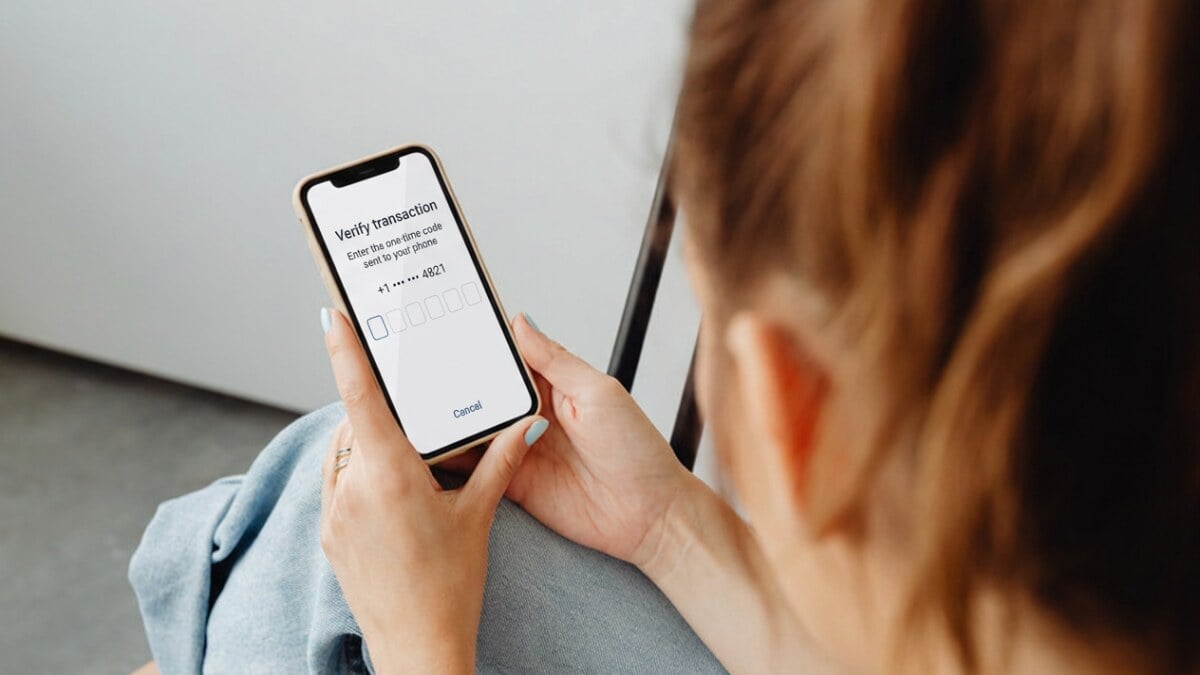
An internet connection and a working verification route are not the same thing.
| Verification Method | What Must Work Overseas |
|---|---|
Bank SMS OTP | Registered number, active home line, roaming registration and sender delivery |
WhatsApp re-verification | SMS or voice access to the registered number |
Authenticator code | Authenticator app already configured; many codes work offline |
App approval or push notification | Internet access and the registered app |
Email code | Internet access and the email account |
Bank OTPs
Banks send OTPs to the number on file, not the SIM handling your data connection. With nearly 70% of users receiving OTPs via SMS for account setup and identity checks, that registered line stays central to verification. Before you travel, make sure it’s active and set up a backup such as app approval, an authenticator, or a passkey.
If a code does not arrive:
- Check that the Australian line shows an overseas network.
- Ask a trusted contact to send one ordinary SMS.
- Request one fresh code; repeated requests can invalidate earlier codes or trigger a limit.
- If ordinary SMS works but the bank code does not, contact the bank through its official app, website or overseas number.
Never read an OTP to a caller or enter it through an unsolicited link.
iMessage, WhatsApp, and Temporary Numbers
iMessage can use Wi-Fi or travel eSIM data, but that does not prove carrier SMS or bank short codes can reach the Australian line. RCS chats may also use data, while an SMS fallback can use the selected mobile line.
WhatsApp can keep the usual Australian number while using travel eSIM data. A reinstall, phone change or logout may trigger re-verification, requiring SMS or voice access to that number. Installing a travel eSIM does not require changing it.
Temporary, shared and VoIP numbers are unreliable for verification. Banks may reject them, and some cannot receive short-code messages. Wi-Fi Calling and SMS support vary by carrier, destination and plan, so check before relying on them.
For voice and internet-app options, see our blog on how to make calls with a data-only eSIM.
When to Stop and Contact Support
- TravelKon: The travel eSIM has no data after checking coverage, validity, activation, line selection and roaming.
- Australian carrier: The home line has no service, receives no ordinary SMS, may be blocked or triggers unexpected charges.
- Bank or app provider: Ordinary SMS works, but that organisation’s codes do not arrive.
Provide the destination, phone model, software version and masked number. Keep codes and account details out of screenshots.
FAQs
Can a Data-Only eSIM Receive a Bank OTP?
Not through that eSIM. It can reach the registered Australian number if the home line is active, registers overseas and the sender supports delivery.
Can You Leave an Australian SIM On Just for Texts?
Yes. Keep it active, select the travel eSIM for data and turn off data roaming on the Australian line. Confirm charges before travel.
Will WhatsApp Keep the Usual Number With a Travel eSIM?
Yes. WhatsApp can use the registered number over travel eSIM data. Re-verification still requires SMS or call access to that number.
Can Receiving SMS Overseas Cost Money?
Charges depend on the carrier, plan and destination. Check the Critical Information Summary and current roaming terms before leaving Australia.
Can SMS Be Added to a Data-Only eSIM Later?
Usually not. Plan inclusions are normally fixed, so a separate voice-and-text plan or access to the home number is required.