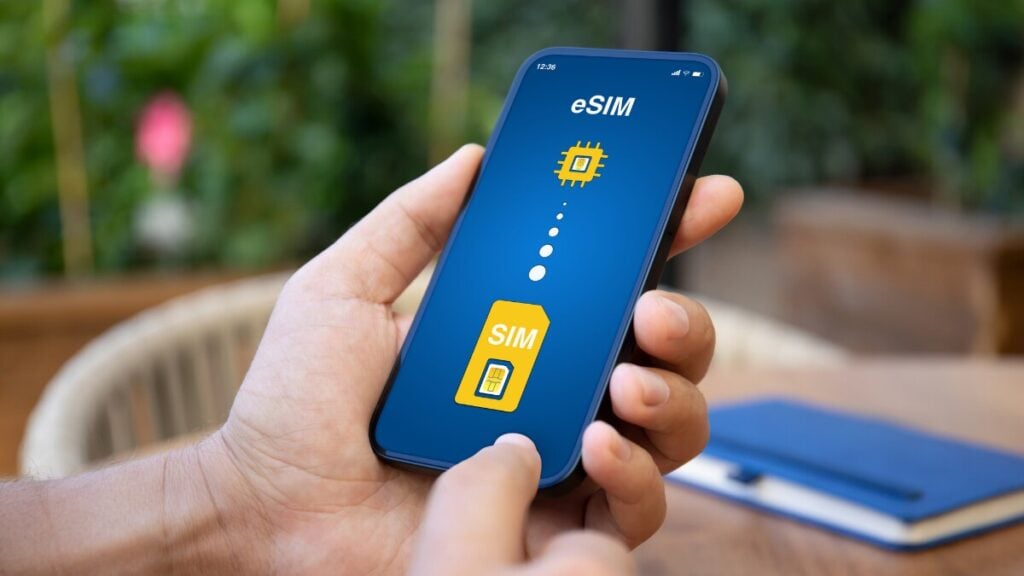
A strange mobile warning overseas can make anyone nervous. Besides, when your phone is your map, wallet, booking folder, translator, and ride home from the airport, you have no option but to always be careful how you use it.
Most international travellers prefer using travel eSIMs as a practical way to get mobile data overseas without swapping physical SIM cards. Still, it helps to know what is normal, what needs attention, and what steps to take if something does not look right, especially with newer threats like getting your eSIM hacked.
Quick Answer
Yes, an eSIM can be hacked in theory, but in most travel situations, the bigger risk is not the eSIM itself being directly hacked. More common issues include scam links, phishing messages, unsafe public Wi-Fi, weak passwords, suspicious apps, a compromised device, or someone getting access to your eSIM QR code or account details.
For example, cybersecurity data from the US Cybersecurity and Infrastructure Security Agency (CISA) via Zensec reveals that over 90% of all cyberattacks begin with a phishing attempt rather than direct hardware or software hacking.
For travellers, the safest approach is to treat your eSIM details like private travel documents. Only use the instructions from your provider, keep your phone secure, avoid suspicious links, and contact support before deleting or reinstalling the eSIM.
What This Means For Travellers
A travel eSIM is usually used for mobile data while overseas. Many travel plans are data-only, which means they are designed for internet access rather than normal calls and SMS.
That matters because some issues can look like security problems when they are actually eSIM setup issues. For example, your phone might still be using your home SIM for data, roaming might be off for the eSIM line, or the destination network may take a few minutes to connect after airport arrival.
It is also worth knowing the basics of how an eSIM works before travelling. A little context makes eSIM troubleshooting much easier when you are tired, in a queue, or trying to connect straight after landing.
Step-By-Step Safety And Troubleshooting Checklist
- Check the eSIM source
Only install your eSIM from the official email, app, account, or instructions linked to your purchase. Do not scan QR codes from random messages, social media, or unknown websites. - Confirm your phone supports eSIM
Before departure, check that your device supports eSIM and is not locked to one carrier. A locked phone may stop an international eSIM from working properly. - Install on a stable Wi-Fi
Complete the eSIM setup on a strong Wi-Fi connection where possible. Home, hotel, or trusted airport Wi-Fi is better than rushing through setup while walking through arrivals. - Save your installation email
Keep the QR code, manual setup details, order number, and product instructions somewhere easy to access. Avoid sharing screenshots of the QR code with anyone else. - Check your mobile data line
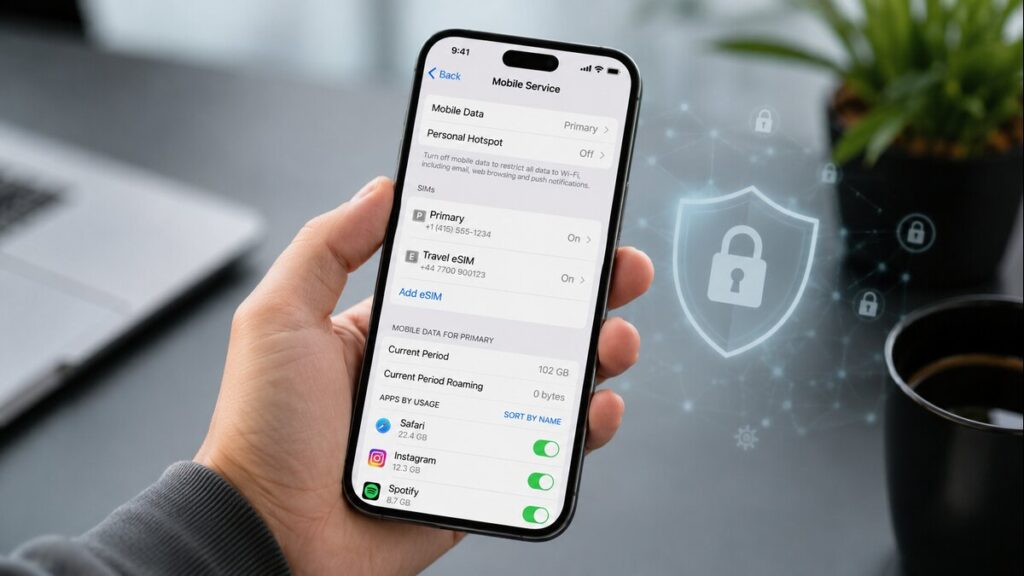
After landing, make sure mobile data is assigned to the travel eSIM, not your home SIM. This is one of the most common causes of confusion. - Review roaming settings carefully
Some travel eSIMs need data roaming switched on for the eSIM line. Your home SIM’s roaming settings are separate, so check both before using mobile data overseas. - Avoid suspicious links and pop-ups
An eSIM does not protect you from fake delivery messages, banking scams, fake airline alerts, or unsafe login pages. Treat unexpected links with caution. - Keep your phone secure
Use a strong passcode, update your phone before travel, avoid unknown apps, and keep account passwords private. - Check hotspot rules before relying on it
Hotspot may depend on your device, destination, and plan. Check the product instructions before assuming you can share mobile data with another device.
What Not To Do When Using TravelKon eSIMs

You shouldn’t delete the eSIM as your first troubleshooting step. Once removed, it may not be simple to reinstall, depending on the plan and provider.
Avoid rescanning the QR code unless the instructions say this is allowed. If the QR code has already been used or was installed on the wrong device, contact support before trying again.
Never ignore carrier-lock messages. If the phone is locked, the eSIM may not work until the lock issue is resolved with your carrier.
Do not assume a data-only eSIM will handle calls, SMS, or emergency access the same way your home SIM does. These functions can vary by device, carrier, country, and plan type.
Ensure you don’t leave your home SIM’s international roaming on without checking the settings. It may be useful for SMS or calls, but it can also create unexpected charges if mobile data uses the wrong line.
How TravelKon Users Should Prepare
If you’re using our travel eSIMs, we recommend that you prepare before departure rather than waiting until the plane lands.
Start by checking the product page for your destination, data allowance, validity period, hotspot notes, installation timing, and any plan-specific instructions. Then confirm your phone supports eSIM and is unlocked.
Also, save your TravelKon installation email before you leave. Keep the QR code, manual setup details, order number, and instructions handy. Installing while connected to Wi-Fi is usually the easiest option, especially if the product allows installation before travel.
Before departure, check which SIM is set for mobile data, which SIM is used for calls and messages, and whether your home SIM’s roaming is switched off or controlled properly.
After arriving at the airport, turn on the TravelKon eSIM, select it as the mobile data, follow the product instructions for roaming, and give the phone a few minutes to connect. If it does not work, avoid changing too many settings at once. Work through the instructions first, then contact TravelKon support if you are still stuck.
When To Contact TravelKon Support
Contact support if your eSIM has been installed but will not connect after following the instructions, the QR code says it has already been used, your phone shows a carrier-lock warning, your destination network does not appear, data is being used from the wrong SIM, or you are unsure whether deleting the eSIM is safe.
Include your device model, destination, order details, plan name, screenshots of the issue, and a short note explaining what has already been tried. That makes eSIM troubleshooting faster and avoids repeated back-and-forth.
Final Thoughts
Most eSIM issues come from setup confusion, unsafe links, exposed details, device problems, or the wrong SIM being used for mobile data.
The safest move is to choose the right international eSIM, check compatibility, save the setup instructions, install on Wi-Fi where possible, and avoid deleting or rescanning anything unless the instructions or support team advise it. For TravelKon users, a few checks before departure can make staying connected overseas much easier.
FAQs
Can an eSIM Be Hacked?
Yes, an eSIM can be hacked in theory, but most travel-related concerns are more likely to involve phishing, unsafe links, exposed account details, suspicious apps, or incorrect setup. Keep your eSIM QR code private and only follow the official installation instructions.
What Should I Do If I Think My eSIM Was Hacked?
Stop using suspicious links, turn off mobile data temporarily if needed, check for unknown apps or profiles, update your phone, and change important passwords using a trusted connection. If the issue relates to your eSIM setup, contact support before deleting or reinstalling anything.
Is A Travel eSIM Safer Than Public Wi-Fi?
A travel eSIM can reduce your need for unknown public Wi-Fi, which is helpful overseas. It does not remove every online risk, so still be careful with passwords, payment pages, banking apps, and unexpected messages.
Can Someone Else Use My eSIM QR Code?
Treat your QR code and manual installation details as private. If they have been shared, exposed, or used on the wrong device, contact support before trying again.
Should I Delete My eSIM If It Is Not Working?
Not straight away. First, check mobile data selection, roaming settings, device compatibility, and the product instructions. Deleting the eSIM too early can make support harder.
Does a data-only eSIM Include Calls And Texts?
A data-only eSIM is mainly for mobile data. Calls, SMS, two-factor messages, and emergency access can depend on your home SIM, phone settings, carrier, country, and plan type. Check before departure if those features matter for your trip.