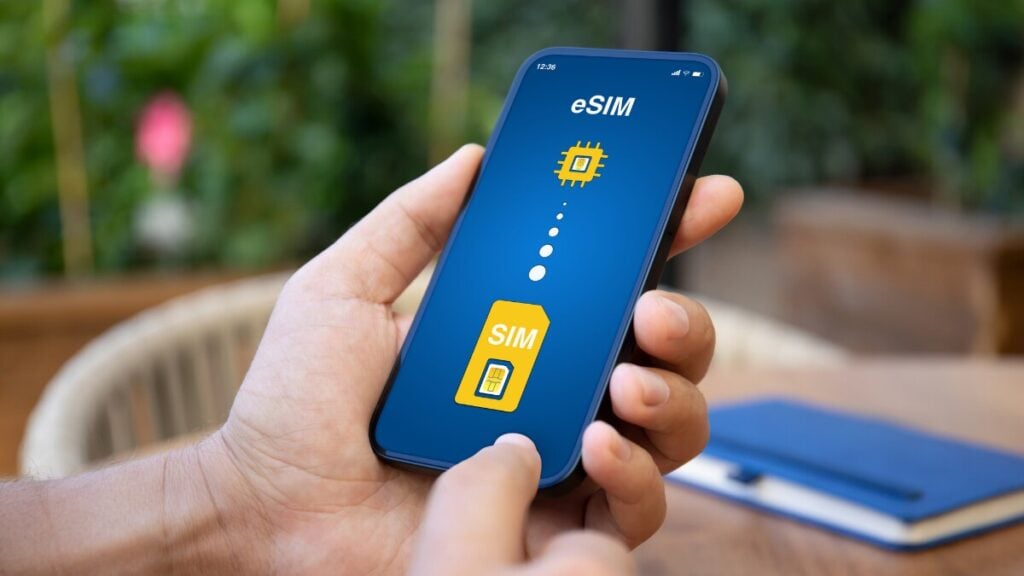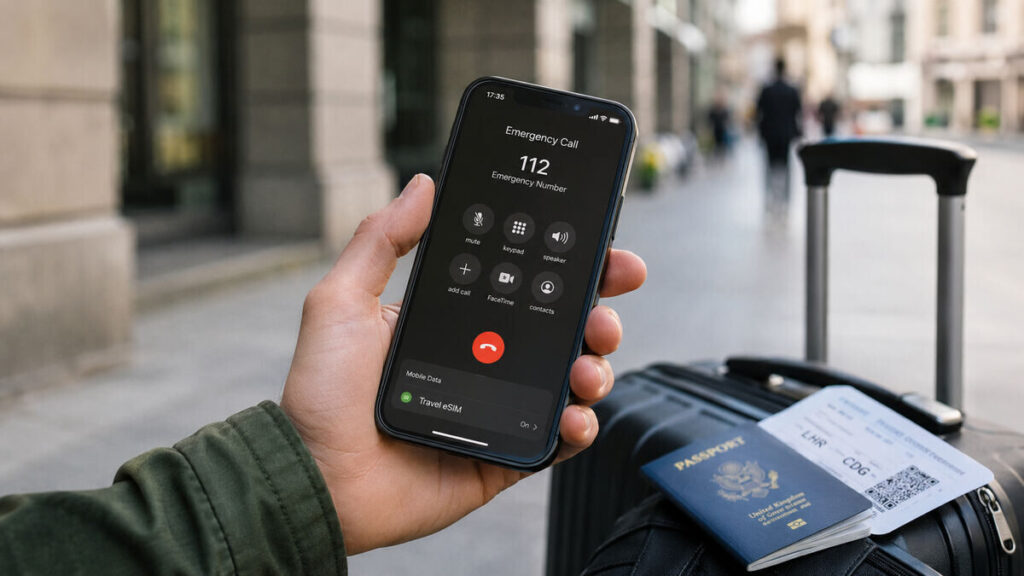
When travelling overseas, mobile connection is not just about maps, messages, and airport transfers. It is also about feeling confident that help is still reachable if something goes wrong.
That is why eSIM emergency calls are such a common concern for most travellers. A travel eSIM can be a simple way to stay connected overseas, but it is important to understand what type of service it provides before relying on it in a serious situation.
Quick Answer
Emergency calling depends on your phone, destination, available mobile networks, local emergency services, and whether your device can connect to a suitable network at the time.
A data-only eSIM is mainly designed for mobile data. It usually does not include a standard phone number, regular voice calls, or SMS. Emergency calling is not an eSIM feature that should be treated as guaranteed. It is generally handled at the device and network level, and conditions can vary by country and carrier.
In practical terms, your travel eSIM can still be very useful in an emergency because mobile data can help you use maps, messaging apps, browser search, rideshare apps, translation tools, and location sharing. But it should not be your only emergency plan.
What This Means for Travellers
For most travellers, an international eSIM is best understood as a mobile data connection. It helps you get online after airport arrival, use your travel apps, message family, find your hotel, and avoid relying only on public Wi-Fi.
That data can come in handy in urgent situations. With working mobile data, you may be able to message someone for help, share your live location, search for nearby medical care, contact your accommodation, or use internet-based calling apps such as WhatsApp, Messenger, or FaceTime.
This is different from making a normal phone call through a mobile number. If your eSIM is data-only, it should not be treated as a full replacement for your home SIM. If your phone supports dual SIM, you may choose to keep your Australian SIM or primary line available for calls and SMS while using the travel eSIM for data. Just check your home provider’s roaming fees first, especially for calls, texts, and data roaming.
Take your time and go through our guide on how an eSIM works before travelling.
Step-by-Step Checklist Before You Travel
- Do Not Delete Your eSIM if Something Looks Wrong
This is one of the most important troubleshooting rules. If the eSIM has already been installed, do not delete it unless the product instructions or support team tells you to. Some eSIMs cannot be reinstalled after removal. - Check Whether the Plan Is Data-Only
Read the product details and installation email. If the plan is data-only, expect it to support mobile data rather than standard calls or SMS. - Save Local Emergency Numbers Before Departure
Save the emergency number for your destination in your contacts, notes app, and offline travel documents. Do not assume every country uses the same emergency number. - Keep a Backup Calling Option Where Practical
If your phone supports dual SIM, consider keeping your home SIM or main eSIM installed. You can usually set your travel eSIM for mobile data while keeping your main line available, but roaming fees may apply through your home provider. - Install the eSIM on Wi-Fi
Install the travel eSIM using a stable Wi-Fi connection. This is much easier at home or before departure than after landing with no mobile data. - Follow the Exact Product Instructions
Some plans have specific activation steps, roaming settings, APN details, or timing instructions. Follow the instructions for the plan you purchased rather than guessing. - Set the Travel eSIM for Mobile Data
In your phone settings, select the travel eSIM as the mobile data line. If the instructions say data roaming is required for that eSIM, turn it on for the travel eSIM only. - Test Mobile Data After Arrival
Once you land, turn off airport Wi-Fi briefly and test a webpage, map, or messaging app using mobile data. This confirms whether the eSIM is actually connected. - Save Key Details Offline
Keep screenshots of your installation email, order number, QR code details, setup instructions, and support information. This helps if your inbox is hard to access while overseas.
What Not to Do When Travelling
Do not assume “SOS”, “Emergency Calls Only”, “No Service”, and “No Internet” all mean the same thing. These messages can point to different issues.
Never rely only on one connection method. Keep offline maps, hotel details, travel insurance contacts, embassy details, and a backup way to contact someone.
Don’t assume emergency calls work the same way everywhere. Emergency numbers, network behaviour, location handling, and service availability can vary by country.
How TravelKon Users Should Prepare
Our eSIM users should start with the product page and installation email for the exact eSIM purchased. That is where the most relevant setup details should be checked, including destination coverage, data allowance, activation timing, roaming settings, and any plan-specific notes.
Before departure, confirm that your device supports eSIM and is unlocked. Install the eSIM on reliable Wi-Fi, then label the line clearly in your phone settings.
If hotspot is important, check the product details before relying on it. Hotspot availability can depend on the plan, destination, network, and device settings.
It is also worth saving the installation email somewhere easy to access offline. If you need support, having screenshots and order details ready will make the process much faster.
When to Contact TravelKon Support
Contact our support team rather than guessing if the eSIM is installed but mobile data does not work after arrival, the eSIM profile is missing from your settings, your device shows a carrier-lock warning, the QR code will not scan, the plan appears active but no network connects, or you are unsure whether deleting the eSIM will cause issues.
When asking for help, include your order details, destination, device model, screenshots of your mobile data settings, any error messages, and the steps already tried.
Final Thoughts
The safest way to think about eSIM emergency calls is that a travel eSIM can help you stay connected through mobile data, but it should not be treated as a guaranteed emergency calling service.
Before departure, check your plan instructions, save local emergency numbers, keep a backup contact method where possible, and avoid deleting the eSIM if setup does not work straight away. If something looks wrong, contact our team with your order details, device model, destination, and screenshots so the issue can be checked properly.
FAQs
Can a Data-Only eSIM Make Emergency Calls?
A data only eSIM usually does not include standard voice calls or SMS. Emergency calling may still be possible in some situations through the phone and available local networks, but this depends on the country, carrier, device, and emergency number. It should not be treated as guaranteed.
Will Emergency Calls Use My TravelKon eSIM Data?
Emergency calls are not the same as using mobile data through a TravelKon eSIM. A data-only eSIM helps with internet access, apps, maps, messages, and online tools. Emergency calling is generally handled by the phone and available mobile networks, not as a normal data feature of the travel eSIM.
Why Does My Phone Say “Emergency Calls Only”?
This usually means your phone is not connected to a normal mobile service for that line, but it may still detect a network for emergency access. Check that the eSIM is turned on, the travel eSIM is selected for mobile data, data roaming is enabled if required, and the destination is included in your plan.
Should I Delete My eSIM if It Is Not Working?
No. Do not delete it unless the setup instructions or support team tells you to. Deleting an eSIM may stop you from reinstalling it and can make troubleshooting harder.
Can I Use WhatsApp With a Travel eSIM?
Usually, yes, as long as the travel eSIM has working mobile data. Apps such as WhatsApp, Messenger, FaceTime, and similar services can work over mobile data, but they still depend on connection quality and app settings.
Should I Keep My Australian SIM Turned On Overseas?
If your phone supports dual SIM, keeping your Australian SIM active may help with calls, SMS, banking codes, and backup contact options. To avoid unwanted roaming data charges, check your provider’s roaming fees and make sure mobile data is assigned to the travel eSIM.
Can I Use Hotspot With a Travel eSIM?
Hotspot may be available, but it depends on the plan, destination, network, and device. Check the TravelKon product details before relying on hotspot for work, maps, or another traveller’s connection.