How Much Data Does TikTok Use?
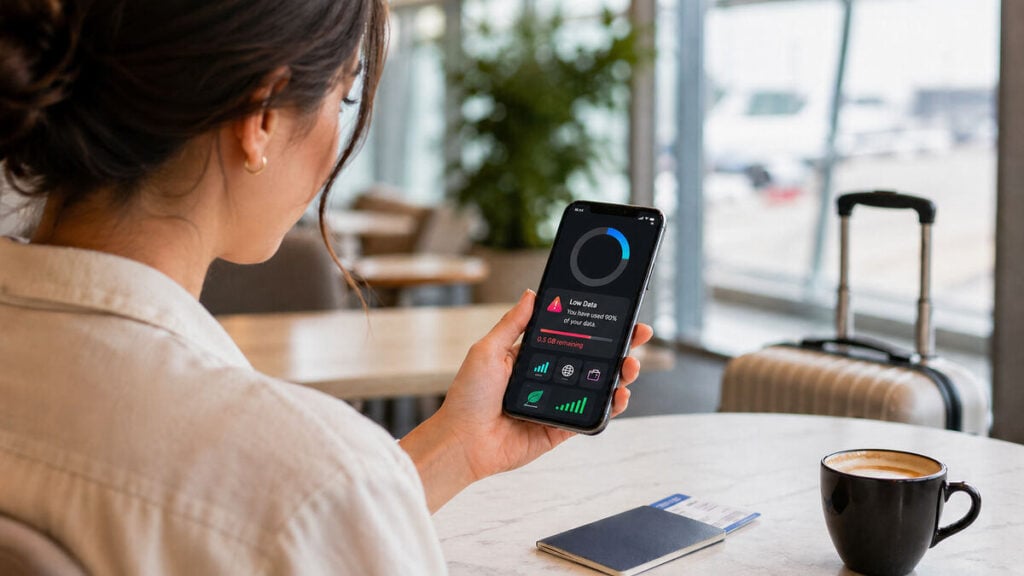
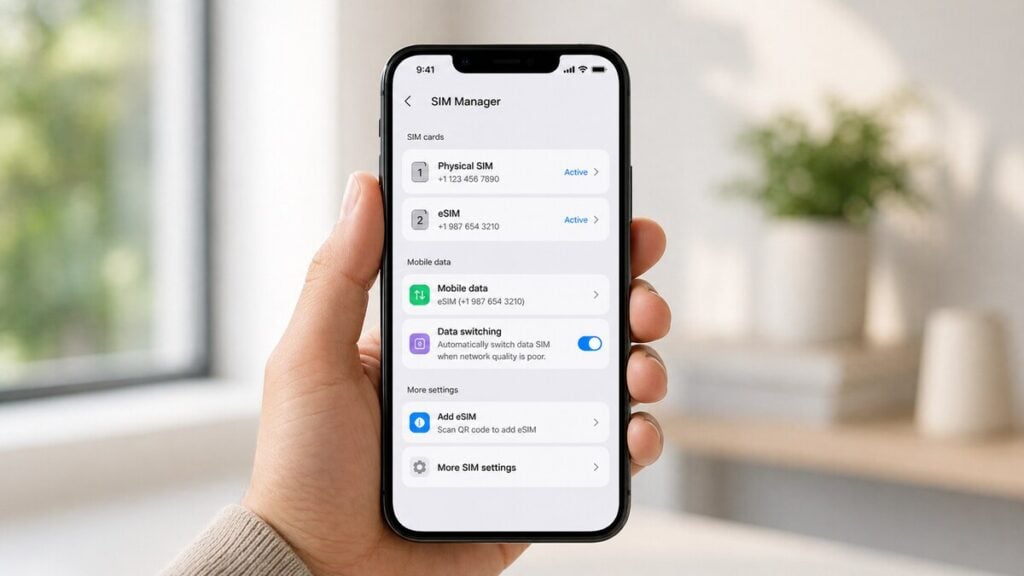
TikTok has a way of turning spare travel moments into surprisingly heavy data use. With the platform rapidly growing to reach 1.99 billion adult users worldwide, it is safe to say a massive chunk of us are guilty of that quick scroll. One look while waiting for coffee can turn into another at the airport, then a few clips in a rideshare, then an upload once you reach the hotel. Because every swipe loads video, the app can use mobile data far faster than it feels in the moment. That is especially important if you are using a travel eSIM. TikTok is not off-limits overseas, but it is one of the first apps to watch when your data needs to last. Does TikTok Use a Lot of Data? Yes, TikTok can use between 800MB and 1.2GB of data in just an hour or even more in some cases. This is mainly because the app is almost entirely video-based. Messaging apps usually send small pieces of text, maps can be managed with cached routes, and light browsing often loads one page at a time. TikTok keeps serving video after video, often before you even decide whether you want to watch the next one. That is where TikTok mobile data usage can creep up. A short scroll can be harmless, but a 40-minute session at the airport, followed by another session on the train, then a few uploads later in the day, is a very different story. How Much Data Does TikTok Use Per Hour? The exact amount depends on video quality, connection speed, app settings, how quickly you scroll, and whether TikTok is preloading videos in the background. As a practical estimate, TikTok may use anywhere from a few hundred megabytes to over 1GB per hour. Here is a useful way to think about it. Casual Scrolling Light TikTok use may sit around 300MB to 700MB per hour, depending on video quality and how fast new videos load. This kind of use might include checking the app for 10 or 15 minutes a few times a day. For travellers, that can be manageable, but it still adds up faster than messaging, email, maps, or basic web browsing. Heavy Scrolling Longer TikTok sessions can easily reach 1GB per hour or more. This is where travellers often get caught. TikTok does not feel like watching a full movie or streaming a long YouTube video, but the app is still loading continuous video content. If you scroll for an hour during a layover, your data plan may feel it. Watching Higher-Quality Videos Higher-quality playback generally uses more data, often exceeding 1.2GB. If your connection is strong, TikTok may automatically load higher-quality videos for a smoother experience. However, this can trigger a data usage warning, as the app may consume significantly more data without clearly notifying you. Uploading TikToks Uploading videos can use a noticeable amount of data, particularly if the clips are longer, high-resolution, or edited with multiple elements. Posting one short video may not be a major issue. Uploading several travel clips across the day can make a bigger dent, particularly on a small eSIM plan. Watching TikTok Live TikTok Live can be one of the heavier activities because it involves continuous streaming. A quick look at a livestream might be fine. Sitting through a long live session on mobile data is a much easier way to drain your plan. What Uses the Most Data on TikTok? The biggest data drivers on TikTok are video loading, video quality, uploads, livestreams, and repeated feed refreshes. The app is designed to keep content moving, which makes it fun to use but harder to control on mobile data. Continuous video scrolling is the main one. Every new video needs to load, and TikTok often prepares upcoming videos before you watch them. That means passive scrolling can still use a lot of data. Autoplay also plays a role. You do not have to press play each time. Videos start automatically, so data usage continues as long as the app is open and the feed keeps moving. Higher-quality playback can increase usage as well. Clearer videos are better to watch, but they come with a data cost. Uploading is another big factor. Travel videos are often filmed in high quality, and uploading them on mobile data can use far more than expected. TikTok Live is also worth treating carefully. Livestreams behave more like continuous video streaming than normal browsing. Background app activity may also contribute in smaller ways, depending on your phone settings. It is not usually the main issue, but reducing background refresh can still help when every megabyte matters. TikTok Scrolling vs Uploading vs Livestreams: Which Uses More Data? Normal scrolling can already be data-heavy because TikTok is built around video. Even if each clip is short, the app keeps loading new content, and a long session can use a surprising amount of mobile data. Uploading can use more data in bursts. The larger and higher-quality the video, the more data it needs to send. If you are posting travel clips throughout the day, uploads can become one of the main drains on your plan. Livestreams are often the heaviest when watched for long periods. Unlike normal scrolling, where videos change quickly, a livestream keeps running continuously. That makes TikTok Live risky on mobile data if you are trying to make a small travel plan last. In simple terms: short scrolling is manageable, long scrolling adds up, uploads can spike usage, and livestreams can drain data quickly. How Much Data Does TikTok Use on a Travel Day? A normal travel day can make TikTok data usage climb without feeling excessive. You might open TikTok over breakfast while planning the day. Then again in an Uber, at the airport, on a train, or while waiting for hotel check-in. Later, you might upload a clip from sightseeing, check comments, scroll through travel recommendations, and watch videos before bed. None of those moments feels huge on its own.
How Much Data Does TikTok Use? Read More »