eSIM Activated Too Early? Installation, Activation and Validity Explained
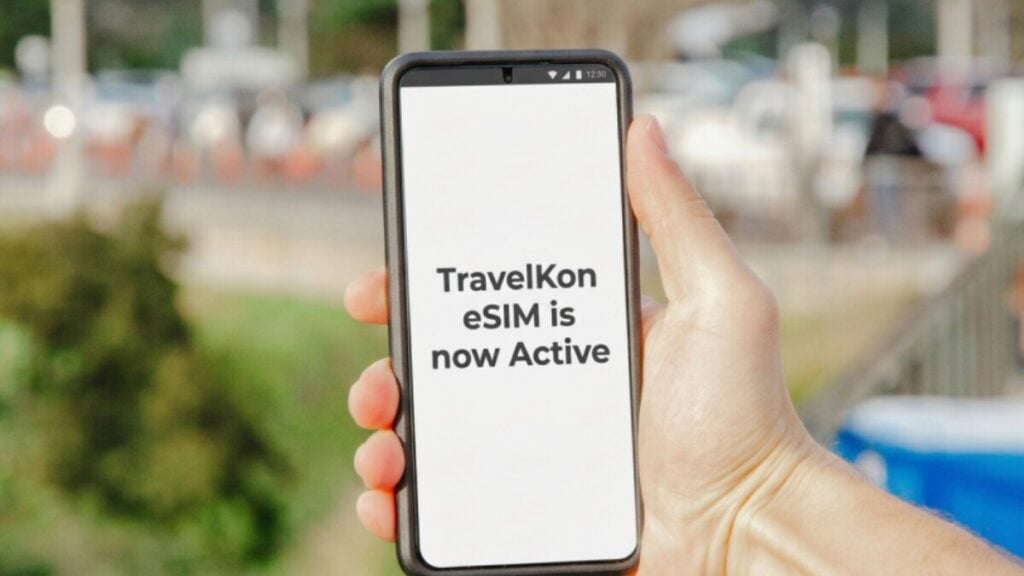
Five days before departure, you install a seven-day travel eSIM, and your phone quickly shows On, Active, or Activating. It feels like everything is ready, but that status can be misleading. When you compare TravelKon travel eSIMs, it’s worth looking closely at each plan’s validity rules alongside the destination and data allowance. What Active Really Means for Your eSIM An eSIM showing Active does not necessarily mean its validity has started. Some plans begin at installation, while others start after the first supported-network connection, data session or nominated date. Do This Now How to Check Whether the Plan Started Do not rely on the phone’s signal icon because it only describes the device’s line status rather than the provider’s paid validity period. Check: The strongest confirmation is a provider-recorded start date, expiry change or data session. If this information is unavailable, support may need to confirm the activation timestamp. If the phone displays an installation or network error rather than an early expiry, it’s worth checking our guide on how to fix a failed activation. It highlights all you need to do on both Android and iPhone. What Can Start an eSIM Plan? Buying, installing, enabling and using an eSIM are separate events. Products can assign the validity trigger to different events. Event What Has Happened Possible Effect on Validity Plan purchased The order and installation details have been issued Usually no immediate start, but an activation deadline may apply eSIM installed The profile has been downloaded to the phone Some plans start here Line switched on The phone can search for an eligible network May trigger an automatic connection Supported network reached The profile registers inside its coverage area Common start trigger Data session begins The eSIM begins carrying mobile data Used as the trigger by some products Fixed date arrives The nominated calendar date is reached Starts regardless of the phone’s settings Buying early does not necessarily install or activate the eSIM. The order may remain unused until its installation or activation deadline. This deadline is separate from the service period and final expiry. You can install an eSIM before travel when the product instructions confirm that installation will not start validity. If the instructions say validity begins upon installation, starts when added or similar, wait until the recommended time. Watch for Covered Stopovers A plan triggered by its first supported-network connection may remain unused in Australia but start during a layover. For example, a regional Asian plan may cover both the stopover country and the final destination. If the eSIM is enabled during the stopover, it can register automatically and begin validity before the traveller reaches the final country. An enabled line can also start a background data session without an app being opened. This is why installing early and activating after landing is not a safe rule for every product. How to Switch the eSIM Off Before Travel Turning an eSIM off is reversible. However, deleting it removes the profile and may make reinstallation difficult or impossible. Switching the line off can prevent an automatic network connection. It cannot pause or reverse a validity period that has already started. On an iPhone An iPhone uses only 1 cellular data network at a time, even when more than one line is active. On a Google Pixel On a Samsung Galaxy Phone On other Android phones, search Settings for SIMs, eSIM, mobile network or SIM manager. Select the travel profile and turn off Use SIM, Enable SIM or the equivalent control. Do not select Erase, Remove or Delete eSIM. Those controls remove the profile rather than temporarily disabling it. If the Line Is Stuck on Activating Activating can mean the phone is waiting for an eligible network. If the line cannot be switched off because the control is unavailable, do not delete it. Wait for the installation attempt to finish and if the control remains unavailable, contact support. Have a look at our guide on why an eSIM can stay stuck activating. Protect the Australian Home SIM After landing, select the travel eSIM for mobile data and keep data roaming off on the Australian line unless international roaming is intentional. Australian roaming packs require alerts at 50%, 85% and 100% of their included value, but reporting delays can occur. However, alerts do not replace selecting the correct data SIM. If the Validity Period Has Started Turning the line off stops further connection attempts but does not reset the expiry. Deleting, reinstalling or repeatedly toggling the eSIM will not restart a provider-side countdown. Capture: Keep in mind that time zones can make activation appear one calendar day earlier. As such, always compare exact timestamps and time zones before assuming that a full day has been lost. Feel free to contact our support team when the displayed expiry conflicts with the stated trigger, the plan shows usage before reaching a covered destination or the instructions do not explain when validity begins. Support can verify the recorded activation time and determine whether the plan qualifies for an adjustment or replacement. The available resolution depends on the product and activation circumstances. What You Need to Send to Us Provide: Do not publish the QR code, full ICCID, payment details, passwords or one-time passcodes. FAQs Does Installing an eSIM Start the Plan? Sometimes. Some plans start when installed, while others wait for a supported-network connection, data session or nominated date. Check the specific product instructions before installation. When Should You Turn On a Travel eSIM? Turn it on at the time specified by the plan instructions. If validity begins on the first supported-network connection, this is normally after reaching a covered destination. Can You Switch an eSIM Off Before Departure? Yes. Switch it off through the phone’s SIM settings rather than deleting it. This can prevent an automatic connection but will not pause validity that has already started. Can an eSIM Validity Period Be Paused or Reset? Usually not from the phone. Turning the line off prevents further connections but does not
eSIM Activated Too Early? Installation, Activation and Validity Explained Read More »