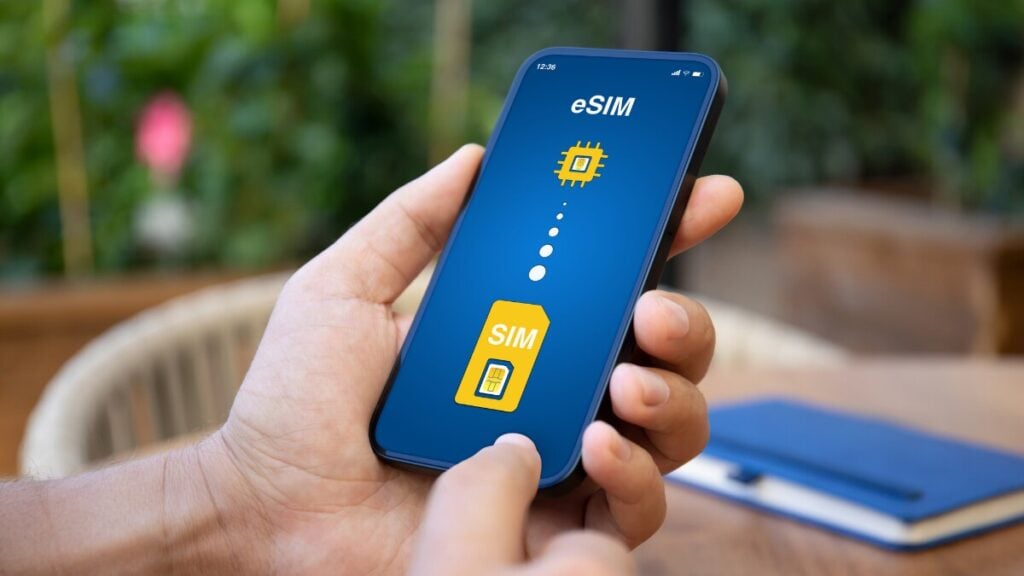
On a national-park trip in Japan, reception can disappear between the visitor centre and the trail. Comparing Japan eSIM plans helps you prepare for cellular coverage, but signal availability still varies by provider, terrain and location.
Before leaving reception, confirm which off-grid feature your phone supports and whether the person waiting for your check-in knows how to reply.
What Is Apple’s Messages via Satellite?
Satellite messaging on iPhone lets you exchange non-emergency iMessages or supported SMS messages when cellular and Wi-Fi coverage are unavailable. The built-in feature is called Messages via satellite.
The feature is currently available in the United States, Canada, Mexico and Japan, but not Australia. Australian carrier satellite services and Apple’s Emergency SOS operate separately, with their own availability requirements.
A travel eSIM provides cellular data, so installing one does not give your iPhone satellite messaging access or automatically enable satellite SMS.
Where Can You Use iPhone Satellite Messaging Overseas?
| Destination | Minimum Software |
| United States | iOS 18 |
| Canada | iOS 18 |
| Japan | iOS 18 |
| Mexico | iOS 18.4 |
You need an eligible iPhone 14 or later, compatible software, an active SIM and a usable satellite connection. SMS also requires a supporting carrier.
An eligible Australian-purchased iPhone 15 meets the model threshold. You still need to satisfy the destination, software, SIM and connection requirements.
Check Where Your Phone Was Purchased
Apple satellite connectivity is unavailable on models purchased in Armenia, Belarus, mainland China, Kazakhstan, Kyrgyzstan and Russia.
For models purchased in Hong Kong or Macao, support starts with iPhone 16e and later. Installing another eSIM or travelling to a supported country does not remove purchase-region restrictions.
Country availability also does not mean every location has a usable connection. Obstructions and satellite conditions still matter.
Does It Work with a Data-Only Travel eSIM?
Do not assume that an active data-only eSIM satisfies every requirement for satellite messaging. An active SIM is required, but satellite SMS additionally needs supporting carrier provision.
Keep the services separate:
- Travel eSIM: cellular internet where the plan has coverage.
- Apple Messages via satellite: eligible off-grid iMessage or SMS.
- Home mobile service: your existing number and its supported messaging services.
Selecting the travel line for mobile data does not establish satellite eligibility. Confirm the active SIM and messaging requirements for your configuration before changing either line.
What Should You Prepare Before Losing Reception?
For satellite texting on iPhone, prepare the conversation as well as the handset.
- Confirm eligibility. Check your destination, handset model, purchase region, software and active-SIM requirement.
- Enable iMessage. Open Settings → Apps → Messages and turn on iMessage before losing coverage.
- Exchange a recent message. Send and receive iMessages with your chosen contacts within the preceding 30 days. This prepares the conversation for off-grid iMessage use.
- Prepare incoming SMS. Add people who need to initiate contact to your emergency contacts or Family Sharing group.
- Try the demo. Open Settings → Apps → Messages → Satellite Connection Demo on a supported configuration.
- Explain replies. Tell your contacts about the Send via Satellite action described below.
- Save information offline. Download maps, bookings and relevant instructions.
After the satellite model and region checks, you need to check whether your phone supports a travel eSIM. eSIM compatibility does not establish satellite eligibility.
You can complete the rehearsal ahead of your trip and check whether you can install your travel eSIM before arriving at your destination.
Make Sure Your Contacts Know How to Reply
Two-way satellite messaging does not behave like unrestricted cellular texting.
| Contact or Message Type | What Needs to Happen |
| Connected iMessage contact | Use supported software and tap Send via Satellite beneath the message when required |
| Emergency contact or Family Sharing member using SMS | Can initiate supported SMS before you message first |
| Other SMS contact | Generally needs you to initiate the satellite exchange before replying |
For incoming SMS, eligible senders include people you have messaged while off-grid within the preceding 24 hours. This is an incoming-SMS sender rule, not a 24-hour limit on all satellite messaging. Other texts may wait until normal connectivity returns.
Contacts using iPhones need iOS 18 or later to receive iMessages sent through the feature. SMS replies from iPhones require iOS 17.6 or later; supported non-Apple phones can also reply by SMS.
Agree on a simple check-in beforehand:
Reached the planned stop safely. Next check-in after returning to reception.
Set expectations for delays rather than promising delivery at an exact minute. Do not assume bank codes or every incoming text will arrive off-grid.
How Do You Send a Message Off the Grid?
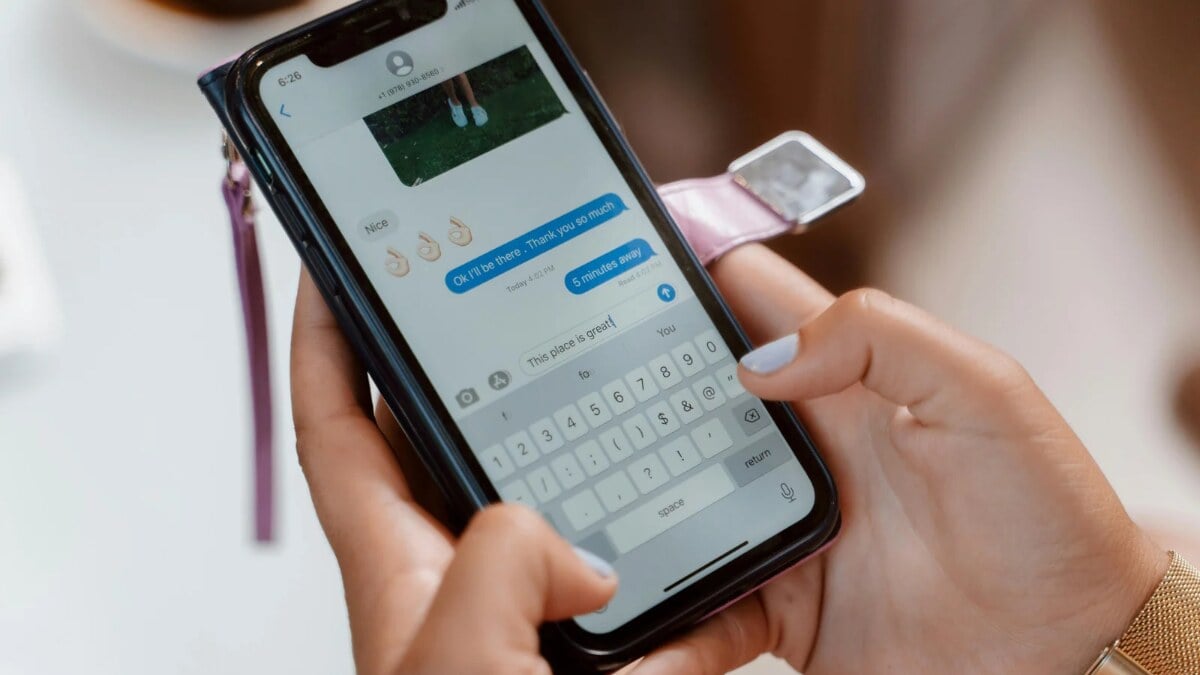
On an eligible iPhone outside cellular and Wi-Fi coverage:
- Open Messages.
- Tap Use Messages via Satellite when prompted.
- Follow Connection Assistant.
- Write a short message and send it.
- Maintain the connection while checking for a reply.
You can also access available features through Settings → Satellite, or Control Centre → Mobile Data → Satellite.
You need to be outdoors with a clear view of the sky and horizon. Hold the phone normally; raising it above your head is unnecessary.
Only reposition where it is safe. Do not leave shelter or approach hazardous terrain merely to improve reception.
How Long Does Sending Take?
Under ideal conditions, transmission may take 30 seconds or more. Trees and other conditions can extend that to several minutes or prevent connection.
Transmission time is not a guaranteed delivery or reply time. Check the message’s status before sending repeated updates.
Why Is the Satellite Option Missing?
Check these possibilities:
- Normal coverage remains available. The phone prioritises cellular or Wi-Fi. The Settings option may be absent, while Control Centre opens the demo.
- Eligibility is incomplete. Check the country, purchase region, software and active service.
- The connection is obstructed. Buildings, dense foliage, cliffs and canyons can block the signal.
Seeing SOS Only on your phone does not necessarily mean satellite messaging is available. Understanding what SOS Only means on a travel eSIM can help you distinguish between limited cellular connectivity and actual satellite messaging support.
What Are the Messaging Limits?
Apple’s feature supports text, emoji and Tapbacks. It does not support photos, videos, audio messages, stickers or group conversations.
It does not provide ordinary voice calls, general mobile internet or WhatsApp access. Downloaded maps may work offline, but live updates need another connection.
Once cellular data is available again, you can explore ways to make phone calls using a data-only eSIM to stay in touch without relying on traditional cellular calling.
What Should You Know About Costs and Privacy?
Apple’s standard inclusion is two years after activation of an eligible iPhone. In September 2026, free access was extended by one year for eligible existing iPhone 14, 15 and 16 users, subject to activation conditions. Check the access terms applicable to your device before travelling.
Carrier fees may apply to satellite SMS. Separate carrier satellite services also have their own plan conditions.
iMessages sent through Apple’s satellite feature are end-to-end encrypted. Do not assume SMS provides identical protection simply because it appears in the same app.
How Is Telstra Satellite Different?
Telstra Satellite is a separate Australian carrier service for messaging and selected apps. It does not extend overseas with your Australian plan.
Eligible customers can access Select Satellite Apps, including limited functions in navigation, messaging and weather. That access is not unrestricted internet and depends on the plan, phone and supported application.
Those capabilities do not apply automatically to Apple Messages via satellite or TravelKon data plans.
Is Messages via Satellite an Emergency Service?
No. Use the separate Emergency SOS service where supported. Ordinary satellite messages should not be presented as a rescue guarantee.
Emergency SOS is available in Australia, but that does not establish Australian availability for Apple’s non-emergency messaging feature.
For a clearer understanding of how emergency services work abroad, it’s worth checking the emergency calling options when using a travel eSIM, including the limitations of data-only plans.
Save the connection instructions offline and agree on reply expectations before leaving reception.